> ## Documentation Index
> Fetch the complete documentation index at: https://docs.smartsend.io/llms.txt
> Use this file to discover all available pages before exploring further.
# Connect agreement
> Connect DAO to your Smart Send account.
## Connect agreement
To connect your Smart Send account with DAO, you need an active DAO shipping agreement. When your agreement is set up, you will receive a welcome email from DAO containing your account details.
To connect DAO, start by logging into the Smart Send platform .
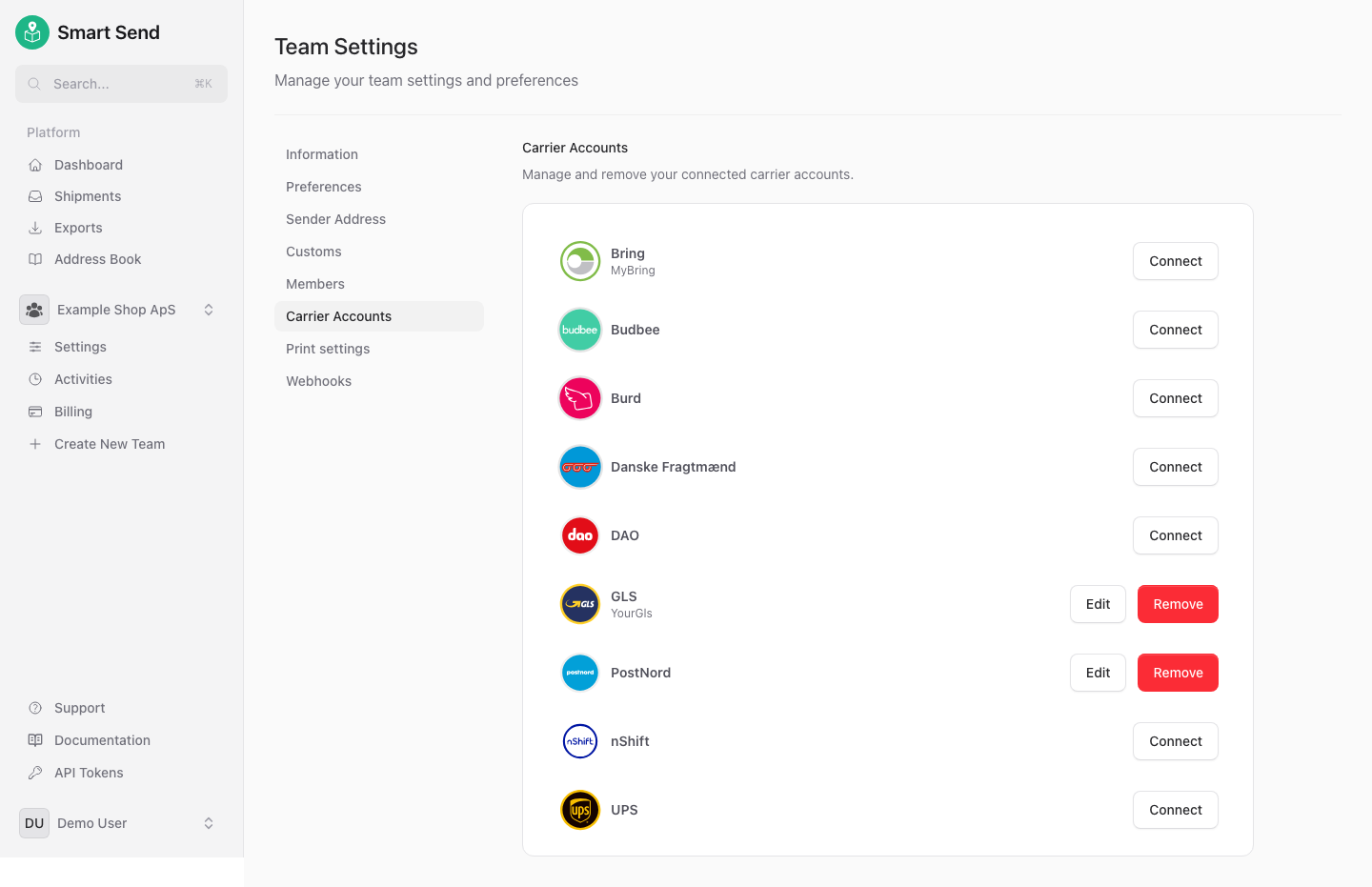
Go to **Carrier Accounts**
Next to *DAO* click the **Connect** button
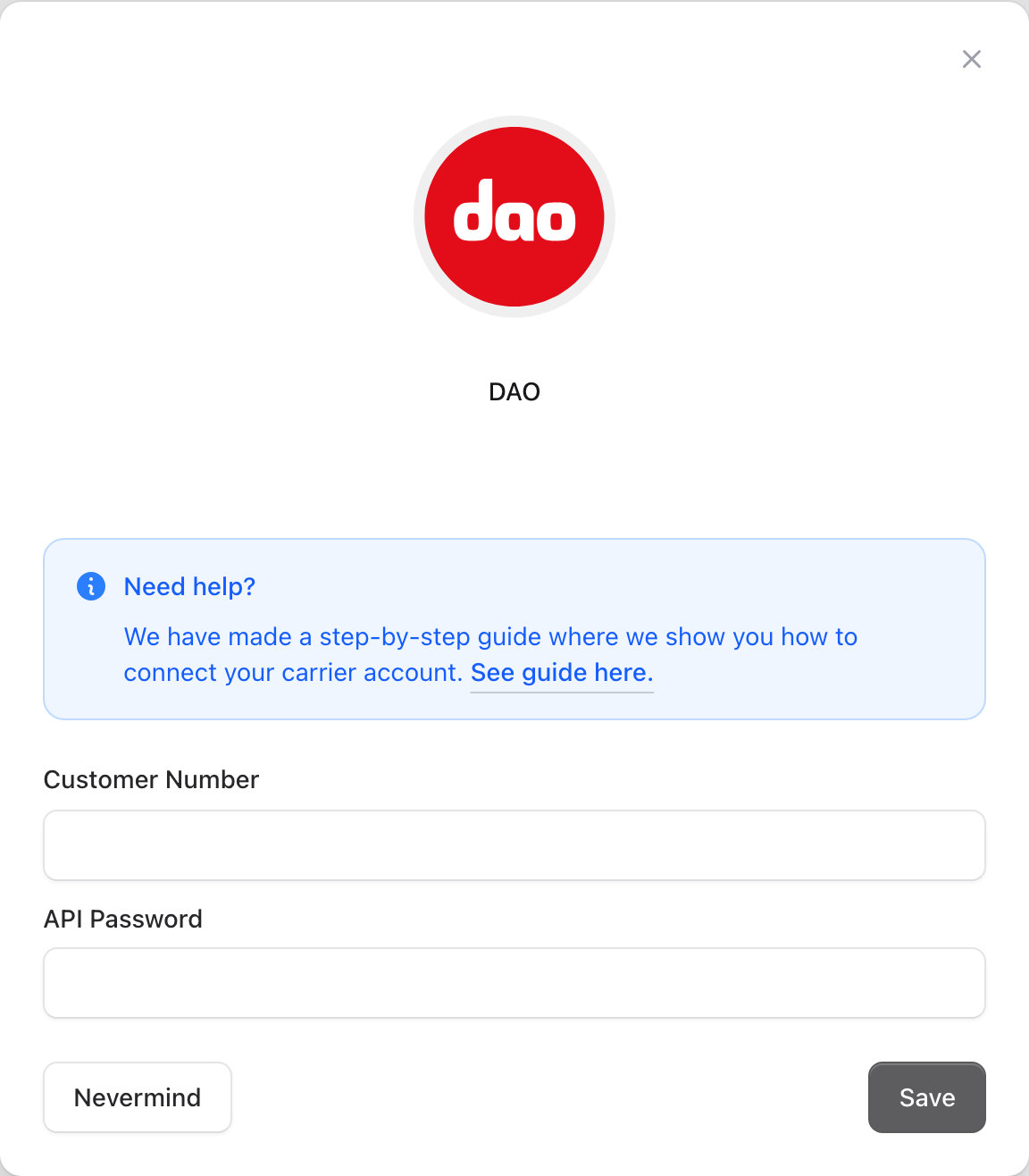
Enter the following DAO details:
* **Customer number** (usually 4 digits)
* **API key** (alphanumeric string)
* **Profile** (leave empty unless DAO has provided a specific value)
Save the settings
You can find your customer number and API key in your DAO welcome email or agreement confirmation. The "*Profile*" field is rarely used—leave it blank unless DAO has instructed you otherwise.
The connection is instant. You can book DAO shipments immediately after saving the connection.
## Get agreement
If you do not have a DAO agreement yet, contact DAO to request pricing and terms.
Contact DAO for an agreement
## Aggrement conditions
DAO supports two types of agreements:
* **Pickup at your location**: DAO collects parcels directly from your business address.
* **Drop-off at a DAO point**: You deliver parcels to a DAO pickup point.
DAO typically requires a minimum shipping volume for pickups, making this the preferred option for many businesses. However, if your business is located near a DAO pickup point, using drop-off can be a suitable and cost-effective alternative.