> ## Documentation Index
> Fetch the complete documentation index at: https://docs.smartsend.io/llms.txt
> Use this file to discover all available pages before exploring further.

# Activity log

> Track all activities across your account and team

Smart Send logs all relevant activities so you always have full visibility into what happens on your account. Every action is recorded with details about who performed it and when.

## Your activities

Any user can view their own activity log under their profile. To view your personal activities, start by logging into the <Link href="https://app.smartsend.io">Smart Send platform</Link> <Icon icon="arrow-up-right" size={12} />.

<Steps>
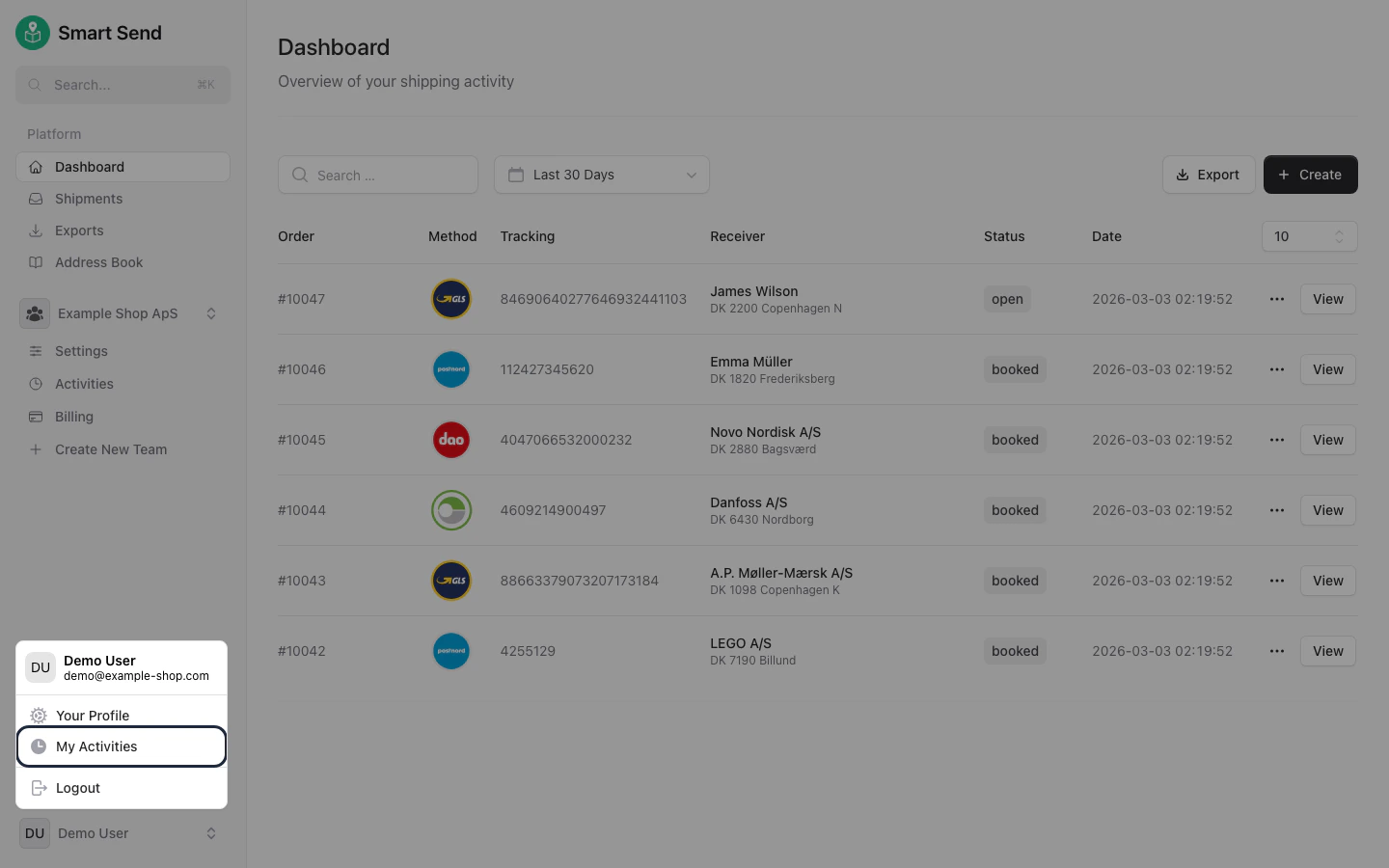
  <Step title="Navigate to your profile">
    Go to **<Link href="https://app.smartsend.io/settings/profile">Profile</Link>**

    <img src="https://mintcdn.com/smartsend/oG0vUhSrEWp3SfSv/images/account/my-activity-menu-highlight.png?fit=max&auto=format&n=oG0vUhSrEWp3SfSv&q=85&s=313793db98a6a542704ff2dc8df040a3" alt="Profile menu with activity log highlighted" className="rounded-lg" width="1440" height="900" data-path="images/account/my-activity-menu-highlight.png" />
  </Step>

  <Step title="View activity log">
    Select the activity type you want to review.

    <Tabs>
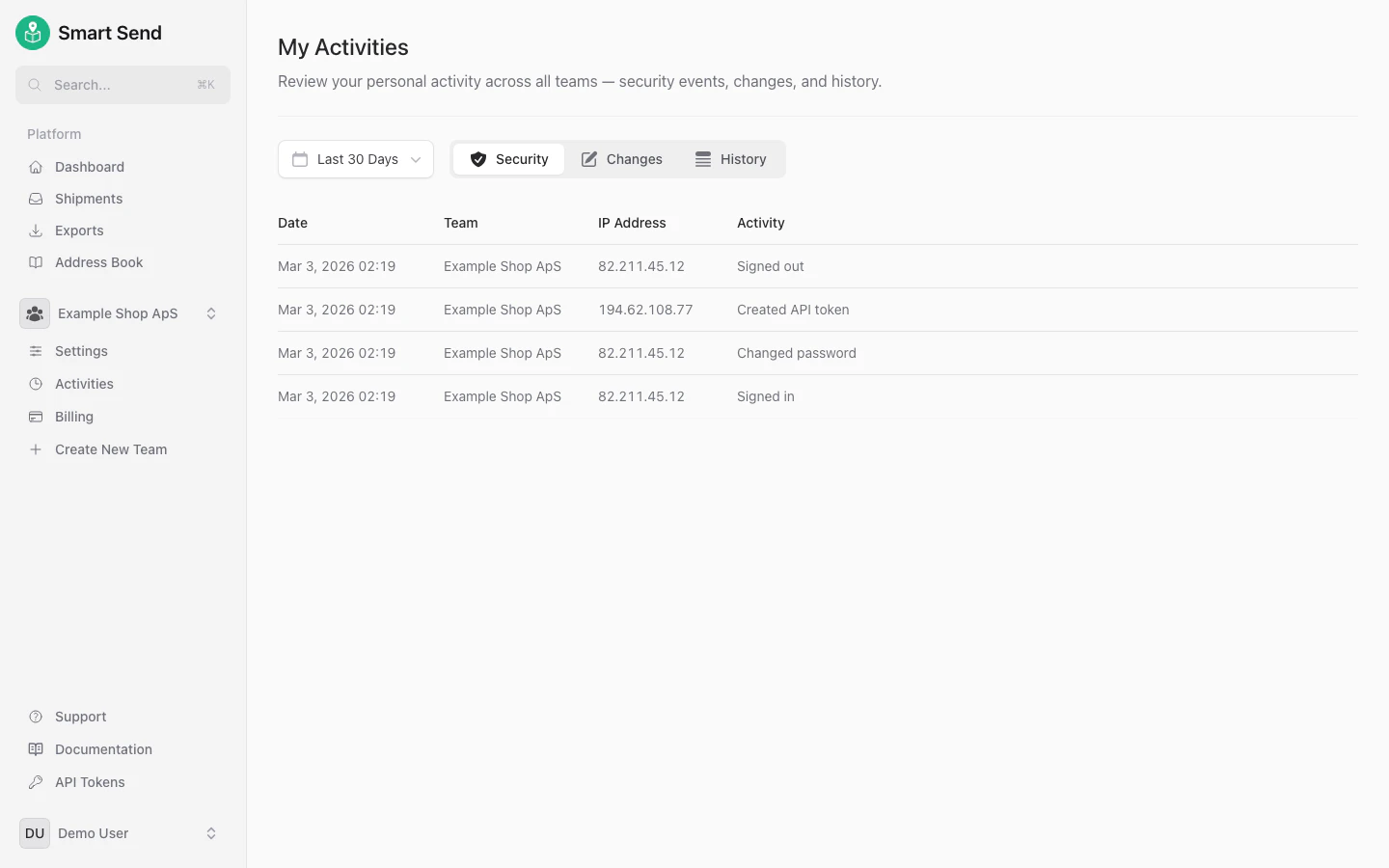
      <Tab title="Security">
        Security activities include login attempts, password changes, and session management.

        <img src="https://mintcdn.com/smartsend/oG0vUhSrEWp3SfSv/images/account/my-activity-security.png?fit=max&auto=format&n=oG0vUhSrEWp3SfSv&q=85&s=29eec42079d141f057d2716b112b1134" alt="Security activity log showing login attempts and password changes" className="rounded-lg" width="1440" height="900" data-path="images/account/my-activity-security.png" />
      </Tab>

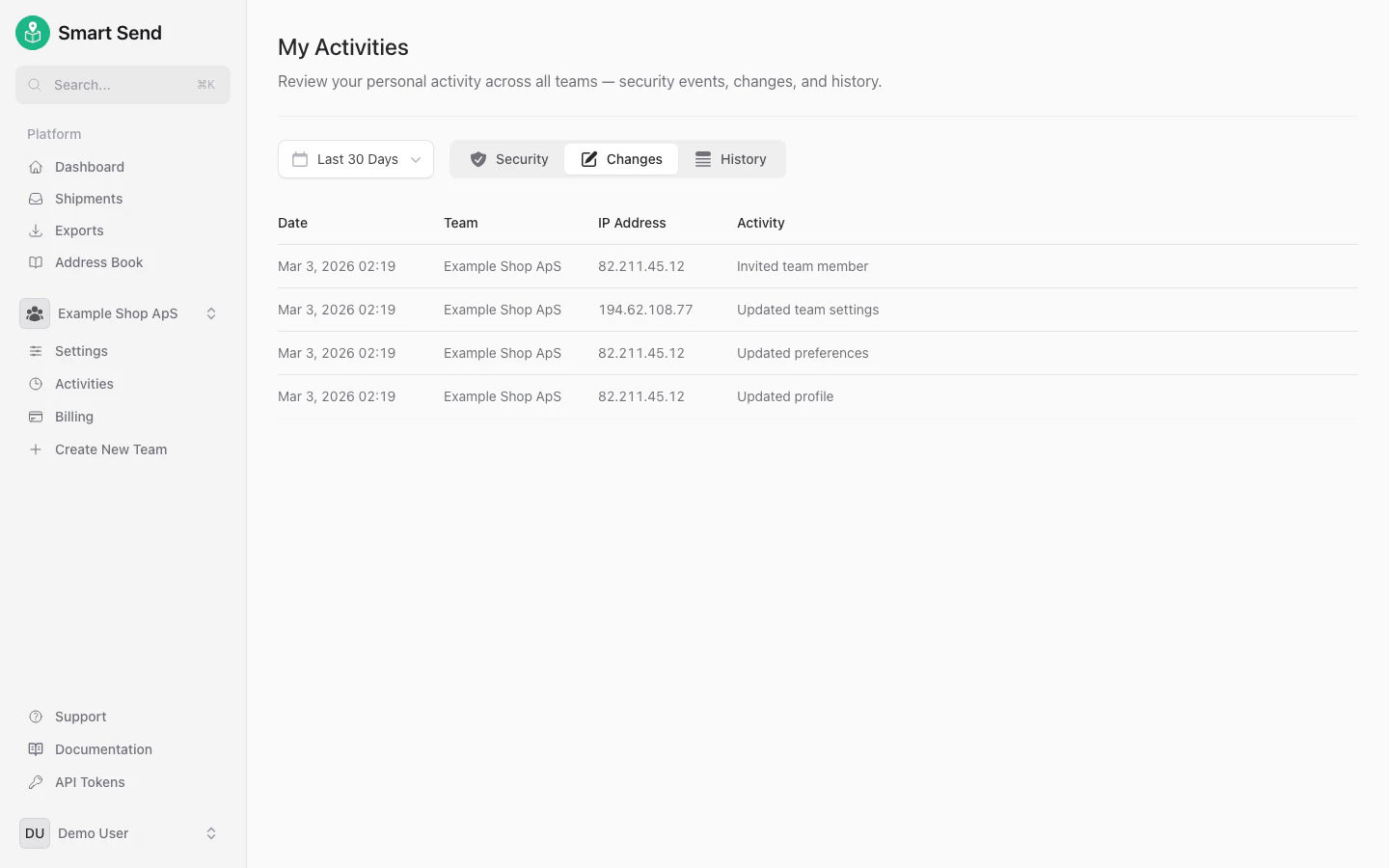
      <Tab title="Changes">
        Changes track modifications you have made to settings, carrier connections, and other configurations.

        <img src="https://mintcdn.com/smartsend/oG0vUhSrEWp3SfSv/images/account/my-activity-changes.png?fit=max&auto=format&n=oG0vUhSrEWp3SfSv&q=85&s=411e724a7c3dcdd22b2e7abf94961ddd" alt="Changes activity log showing setting modifications" className="rounded-lg" width="1440" height="900" data-path="images/account/my-activity-changes.png" />
      </Tab>

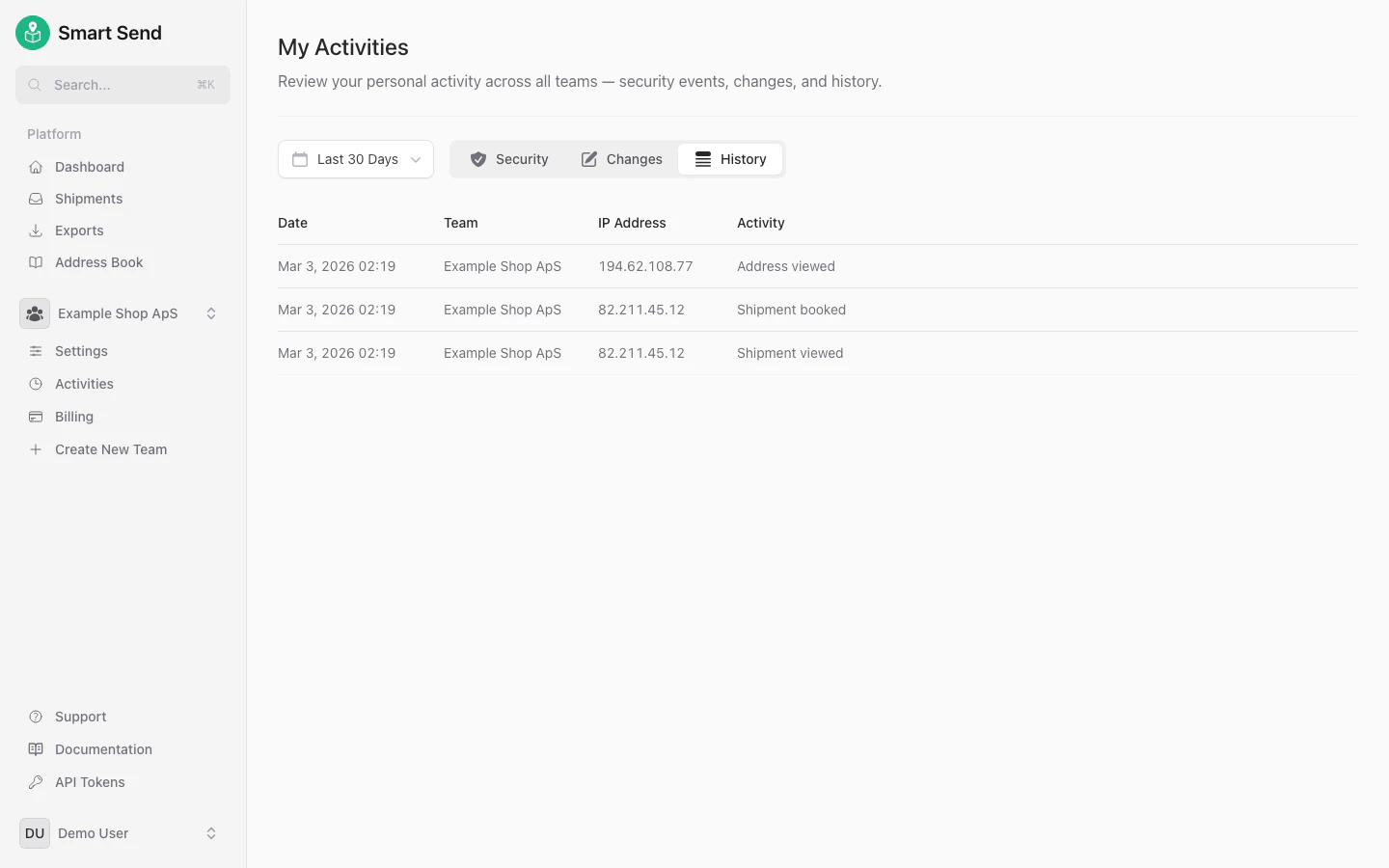
      <Tab title="History">
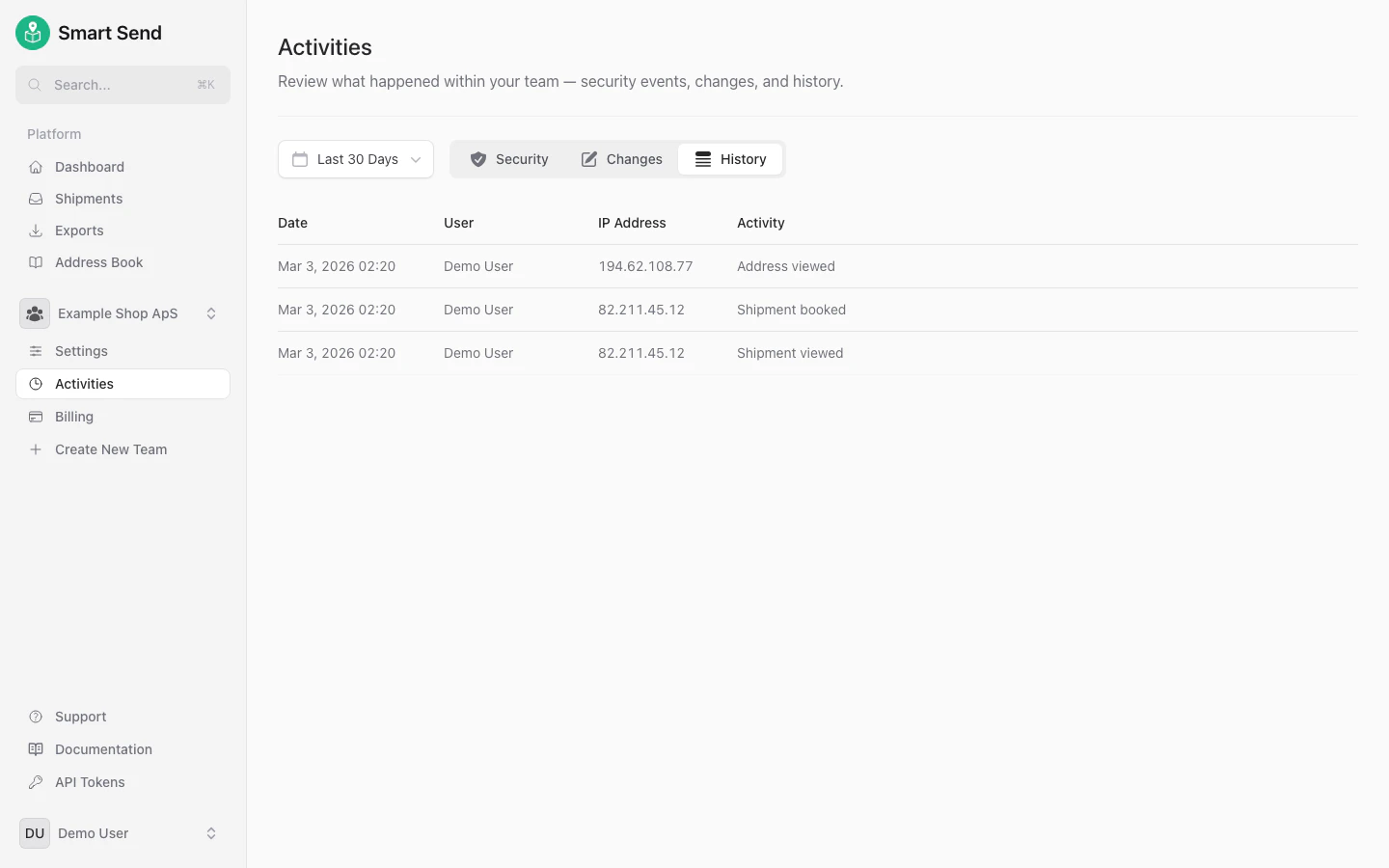
        History shows your shipment bookings, label creation, and other operational activities.

        <img src="https://mintcdn.com/smartsend/oG0vUhSrEWp3SfSv/images/account/my-activity-history.png?fit=max&auto=format&n=oG0vUhSrEWp3SfSv&q=85&s=f59c7bbc35abe24db2cf1d8e861fd757" alt="History activity log showing shipment bookings and label creation" className="rounded-lg" width="1440" height="900" data-path="images/account/my-activity-history.png" />
      </Tab>
    </Tabs>
  </Step>
</Steps>

## Team activities

It is possible to see all relevant activities for a given team across all users on the team, providing full transparency on who did what and when. This is useful for accountability, audit trails, and troubleshooting.

<Note>
  Only Team admins can see team activities across all users.
</Note>

<Steps>
  <Step title="Navigate to team activities">
    Go to **<Link href="https://app.smartsend.io/team/activities">Activities</Link>**
  </Step>

  <Step title="View activity log">
    Select the activity type you want to review.

    <Tabs>
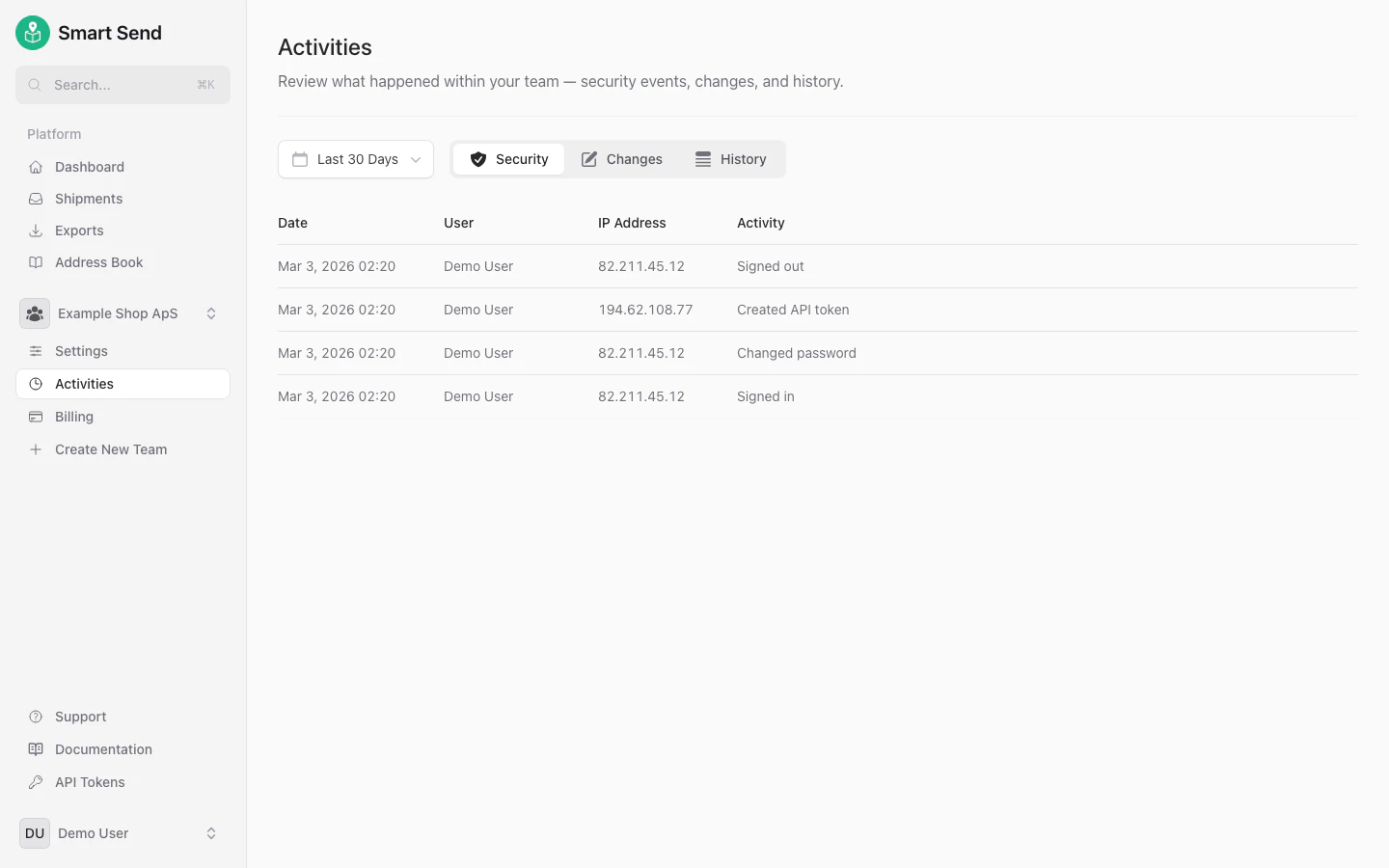
      <Tab title="Security">
        Security activities for all team members, including login attempts, password changes, and session management.

        <img src="https://mintcdn.com/smartsend/nrzFBZazgvLEikrr/images/security/team-activity-log-security.png?fit=max&auto=format&n=nrzFBZazgvLEikrr&q=85&s=0fcbcf609340da653406a98bb0b33b2f" alt="Team security activity log showing login attempts across all members" className="rounded-lg" width="1440" height="900" data-path="images/security/team-activity-log-security.png" />
      </Tab>

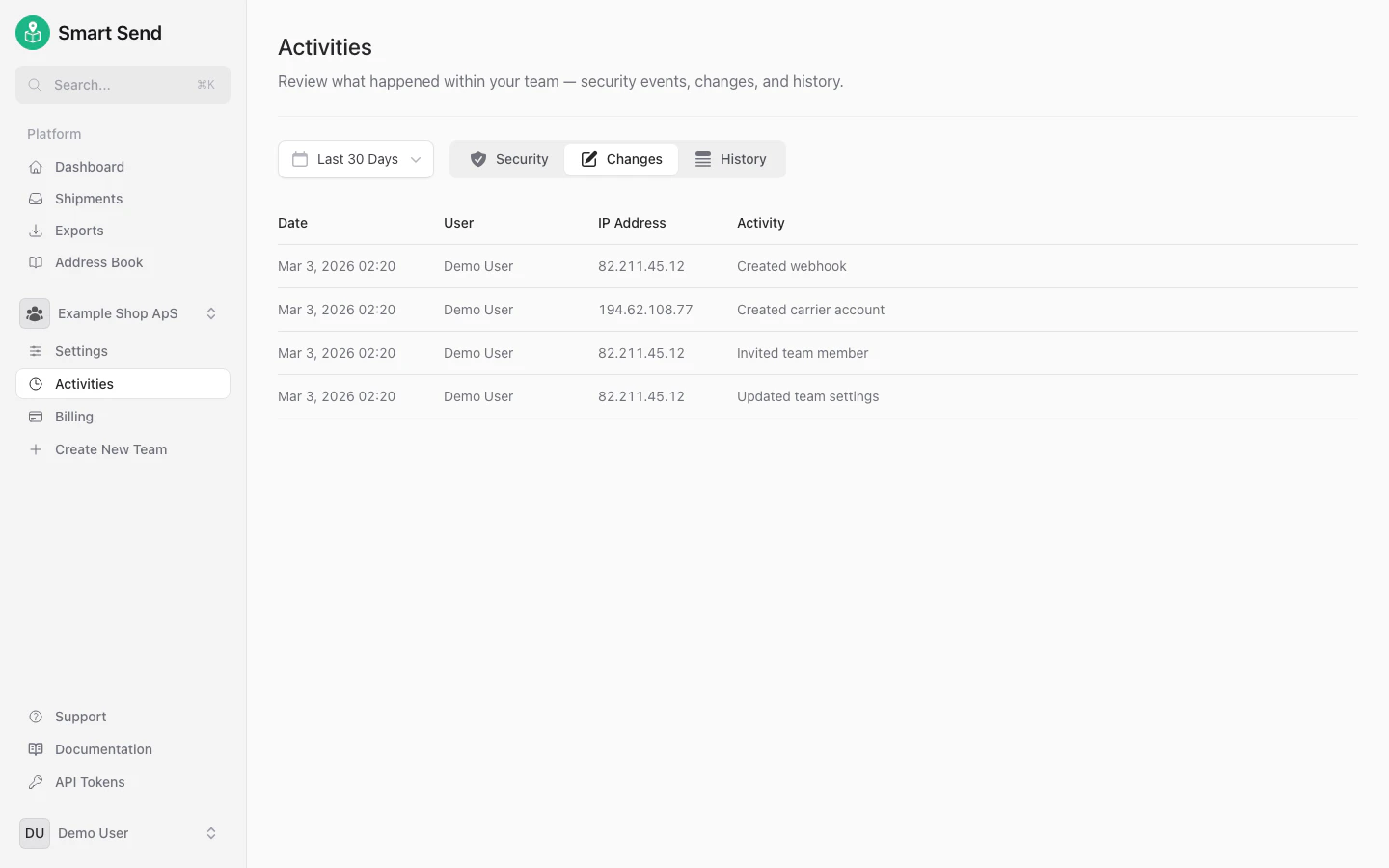
      <Tab title="Changes">
        All changes made by team members to settings, carrier connections, and other configurations.

        <img src="https://mintcdn.com/smartsend/nrzFBZazgvLEikrr/images/security/team-activity-log-changes.png?fit=max&auto=format&n=nrzFBZazgvLEikrr&q=85&s=a642c2ccc5caf6ac8c5df6177d8118b4" alt="Team changes activity log showing setting modifications by all members" className="rounded-lg" width="1440" height="900" data-path="images/security/team-activity-log-changes.png" />
      </Tab>

      <Tab title="History">
        Complete history of shipment bookings, label creation, and other operational activities across the team.
        <img src="https://mintcdn.com/smartsend/nrzFBZazgvLEikrr/images/security/team-activity-log-history.png?fit=max&auto=format&n=nrzFBZazgvLEikrr&q=85&s=78831cf1a4e4f7b9b178628aa7fcc83a" alt="Team history activity log showing all operational activities" className="rounded-lg" width="1440" height="900" data-path="images/security/team-activity-log-history.png" />
      </Tab>
    </Tabs>
  </Step>
</Steps>