

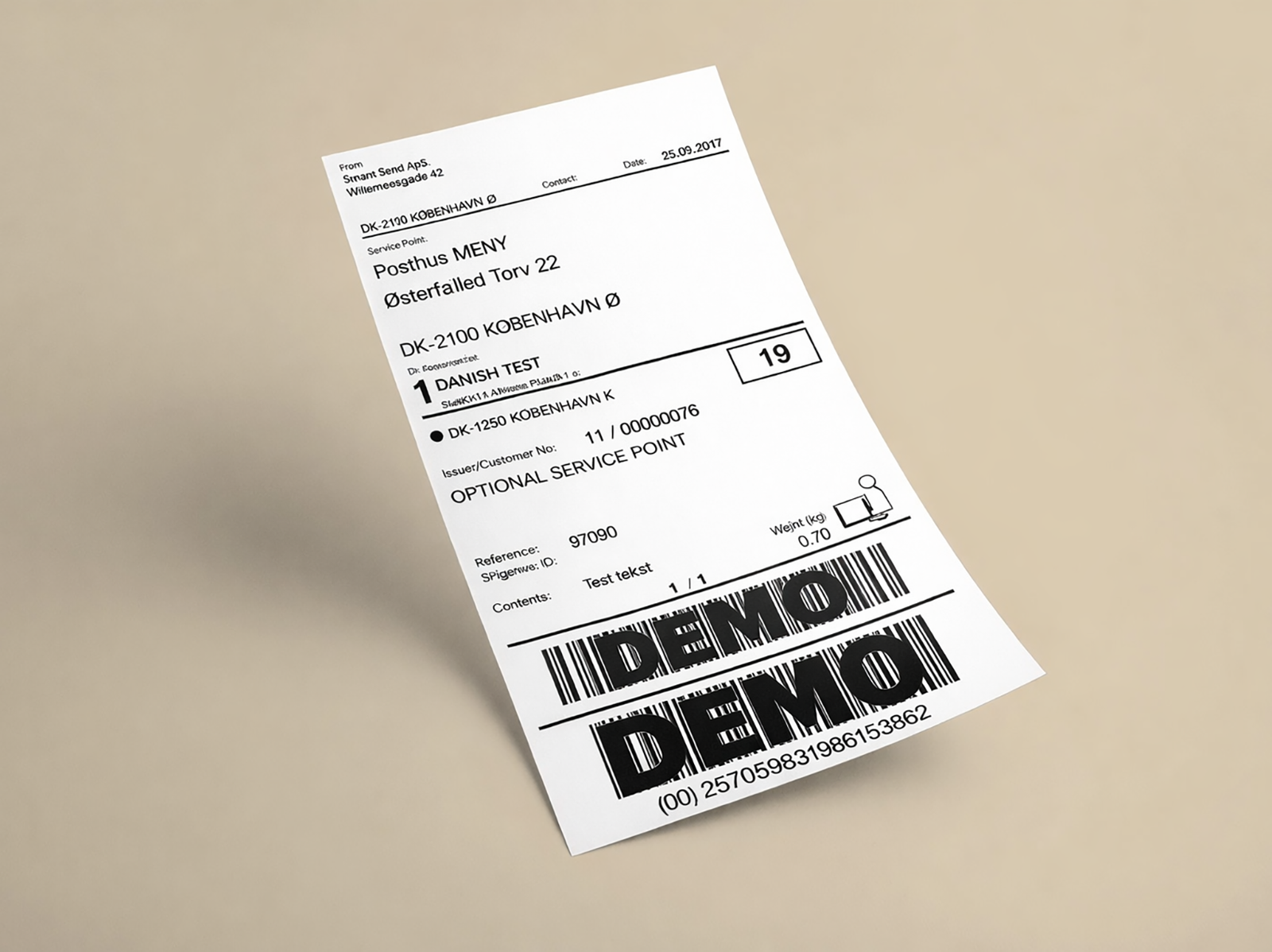
Shipping label
Includes a barcode and attached to each parcel.
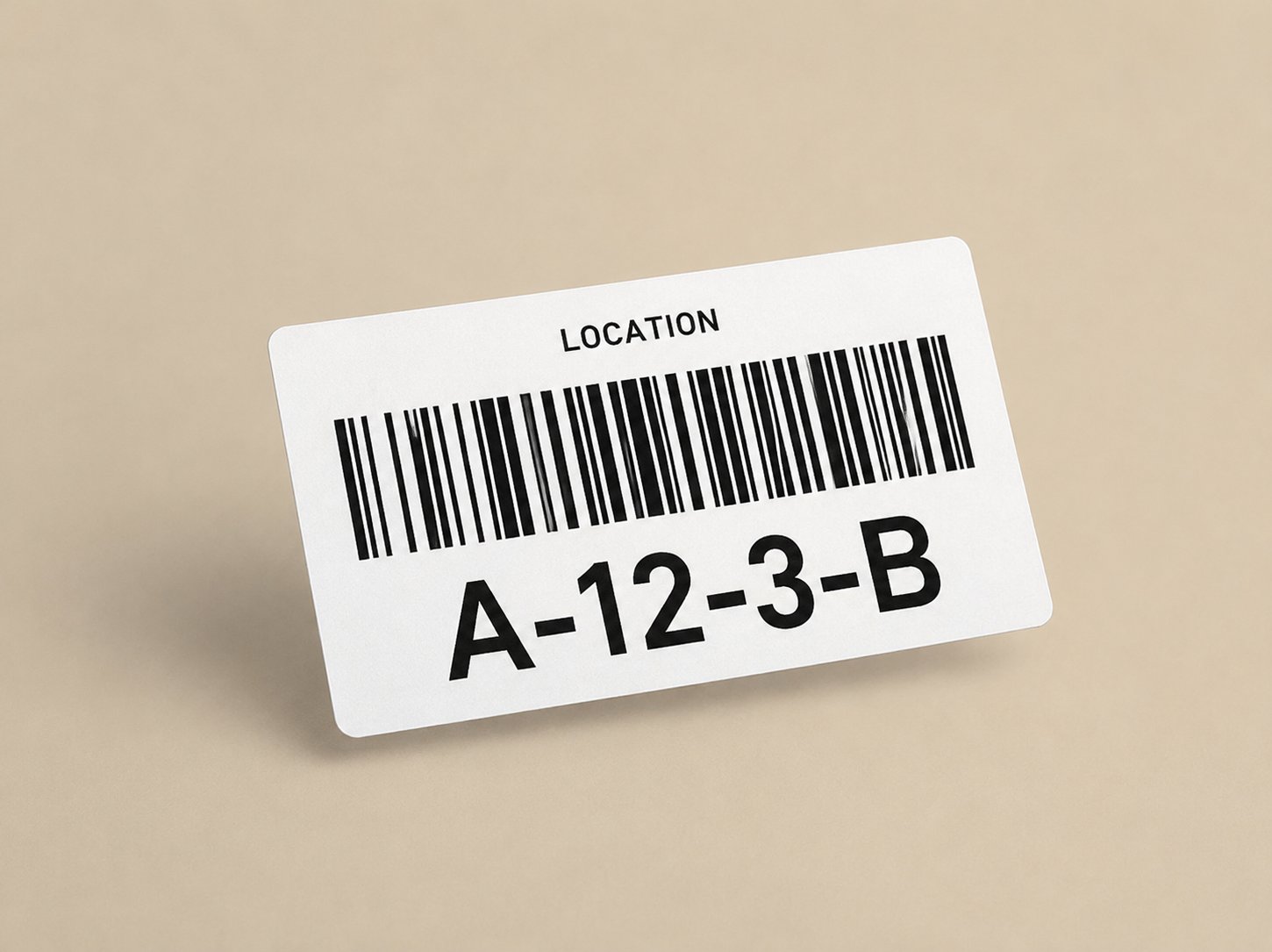
Shelf label
Marks bins, shelves, and locations in the warehouse.
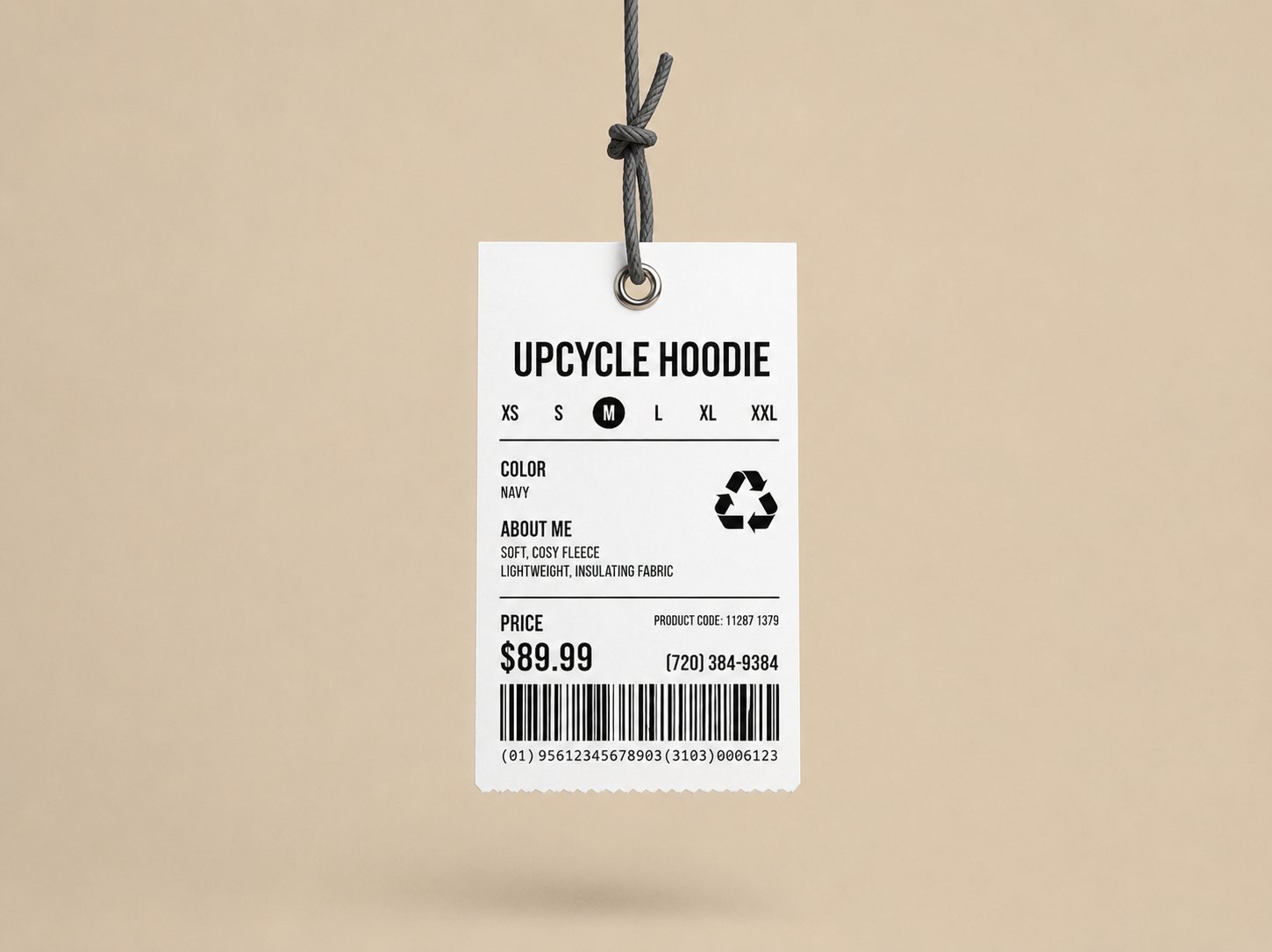
Product label
Barcodes and price tags on the products themselves.
Printing methods
Two printing methods cover almost everything a webshop needs, and the difference decides how long the print survives. Direct thermal printing burns the image into heat-sensitive label paper. There is no ribbon to buy or replace, so it is cheaper to run, but the print fades over time and with exposure to heat, sunlight, and abrasion. Thermal transfer printing melts ink from a ribbon onto the label. It needs a ribbon and a printer that can take one, but the result lasts for years, especially on a coated label.Shipping labels
Shipping labels are best printed with direct thermal on uncoated labels — for example Zebra Z-Perform quality. A shipping label only has to survive from packing table to doorstep, so paying for a longer-lasting label gains you nothing.- Short life. Printed at packing, scanned a handful of times in transit, discarded on delivery. Days, not months.
- Limited exposure. A delivery van, a sorting hall, a parcel locker. This is not an outdoor asset tag or a freezer label.
Zebra compares the Z-Perform, Z-Select, and Z-Ultimate material lines and what each is built for.
Quality requirements
What you cannot compromise on is that the barcode scans reliably at every handover. Barcode print quality is graded by the international standard ISO/IEC 15416 on an A–F scale:
Grade C (2.0) is the practical minimum for shipping barcodes. It is the floor set by the GS1 General Specifications and by the routing guides of major retailers. Below Grade C a barcode often still scans on your own scanner and then fails on the carrier’s equipment, which is the failure that actually costs you.
The grade describes the printed result, not the paper. The same roll of labels produces Grade A or Grade D output depending on the condition of the printhead and the darkness and speed settings. Buying good labels is necessary but not sufficient — see Print quality issues.
Shelf labeling
Shelf, bin, and location labels stay in place for years and get handled, so ideally you print them with thermal transfer onto a coated label. That combination resists rubbing and fading far better than direct thermal. That said, a second printer is a real cost. If your volume is small, printing shelf labels with your existing direct thermal printer on ordinary uncoated labels works fine and is the cheaper option, because you reuse the printer you already have for shipping labels instead of buying a thermal transfer printer. You will replace worn labels occasionally, which for most warehouses is less work than maintaining a second printer.You can print both kinds on the same printer, but usually not on the same roll. Shipping labels and shelf labels need different sizes, so you either keep a second roll to swap in or dedicate a printer to each.
Label size
For general purpose labels, standardise on 57 × 32 mm (2.25 × 1.25 in) — the format sold as DYMO 11354 / S0722540. It is widely stocked from many suppliers and compatible brands, and it is large enough for a readable barcode plus a line or two of text while still fitting a shelf edge or a small bin. Treat it as a starting point rather than a rule. Larger bins, or labels that need more text, are better served by a bigger roll.Designing labels
Two tools cover most needs:OpenLabelMaker
Free, browser-based, and no account needed. Drag and drop text, shapes, barcodes, QR codes, and images, then export to PDF or PNG. This link opens a ready-made 57 × 32 mm canvas.
ZebraDesigner
Zebra’s own label design software for Windows. A better fit when you print in volume from a Zebra printer or need to reuse label templates.
Product labeling
Labels applied to the products themselves — barcodes, price tags, ingredient declarations, and regulatory markings — are outside the scope of this page. Requirements vary by product category and by the rules that apply where you sell.Quality issues
Poor print is usually one of three things, in order of how often it turns out to be the cause:1
Dirt accumulation
By a wide margin the most common cause. Adhesive residue and paper dust build up on the printhead and platen roller and show as faded patches, streaks, or blank vertical lines. Cleaning fixes it.
2
A worn printhead
Individual heating elements fail over time and print a blank vertical line in the same position on every label. Cleaning does not help — the printhead is a consumable and needs replacing.
3
Settings, not hardware
If the whole label is uniformly too light, or dark and smeared, the print darkness and print speed are wrong for the label stock you are using. This is software, not a defect.
Quality validation
True ISO/IEC 15416 verification requires dedicated, calibrated, standard-compliant hardware: a barcode verifier with controlled illumination, a defined measurement aperture, and a specified wavelength. A phone camera is not a verifier, and “it scanned” is not a grade. A practical check of the three properties that matter most is only an estimate, but it gets you a long way:- Contrast. Solid black bars on a clean white background, with no grey or washed-out areas.
- Sharpness. Crisp bar edges, with no smearing, bleeding, voids, or ragged edges.
- Decodability. The code reads first time, from a normal working distance, at an angle, and with a scanner other than your own if you have one.
Related pages
Print setup
Label sizes by carrier, where to buy labels, and how to configure automatic printing.
Hardware
Our recommended printer, barcode scanner, and handheld terminal.
Warehouse management
How labels and barcodes fit into picking and packing.