

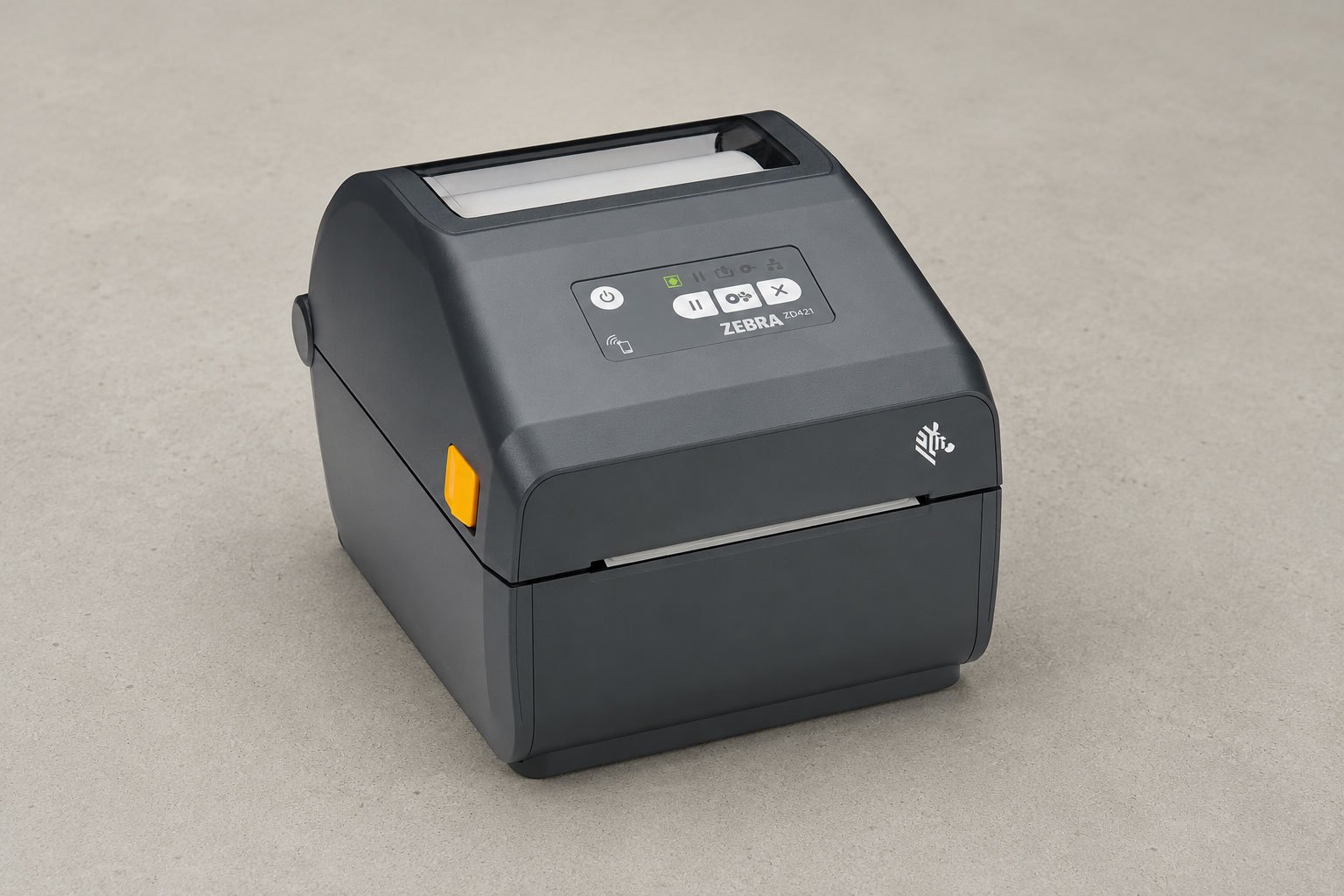
Printer
Zebra ZD421d label printer
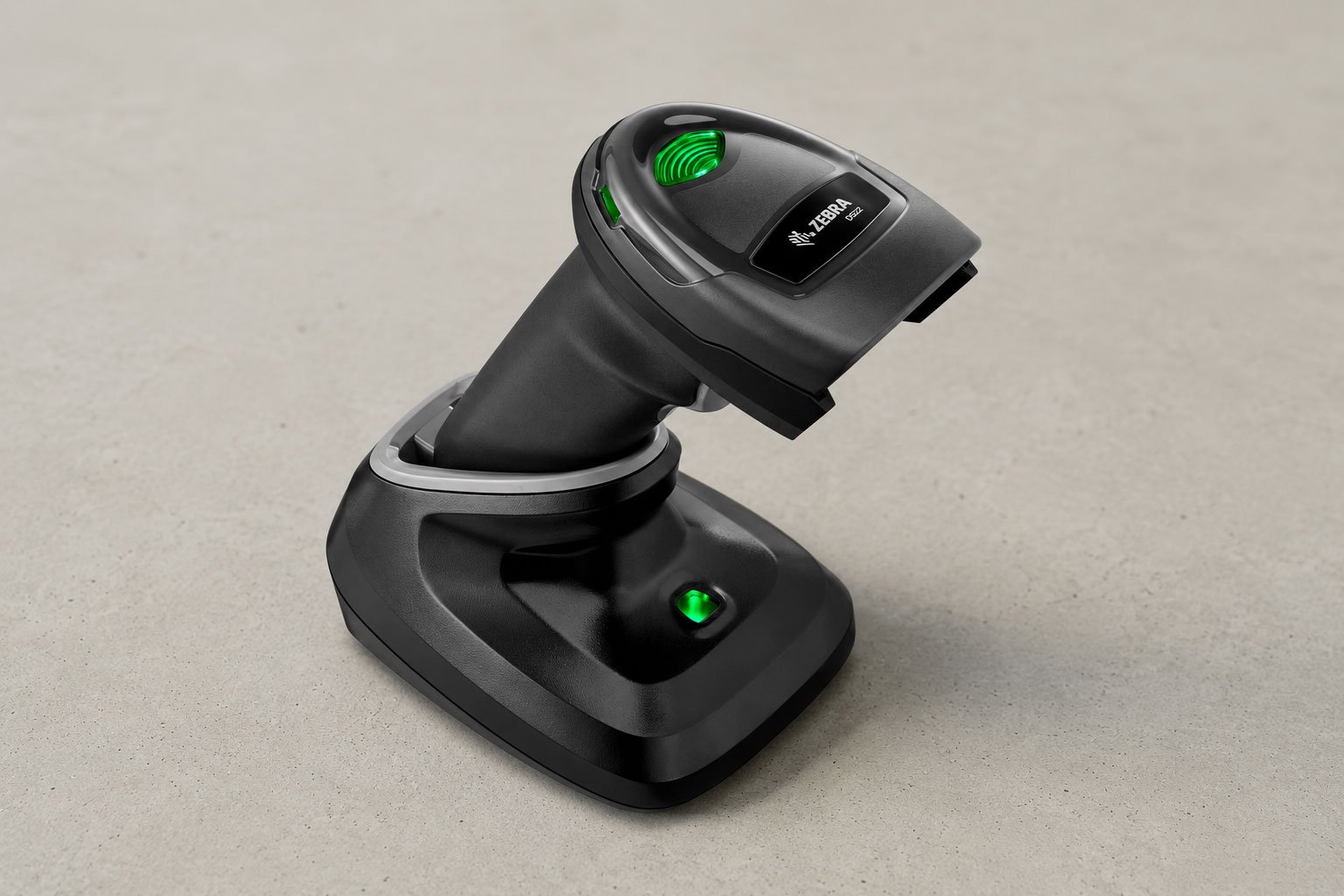
Barcode scanner
Zebra DS2278-SR wireless scanner
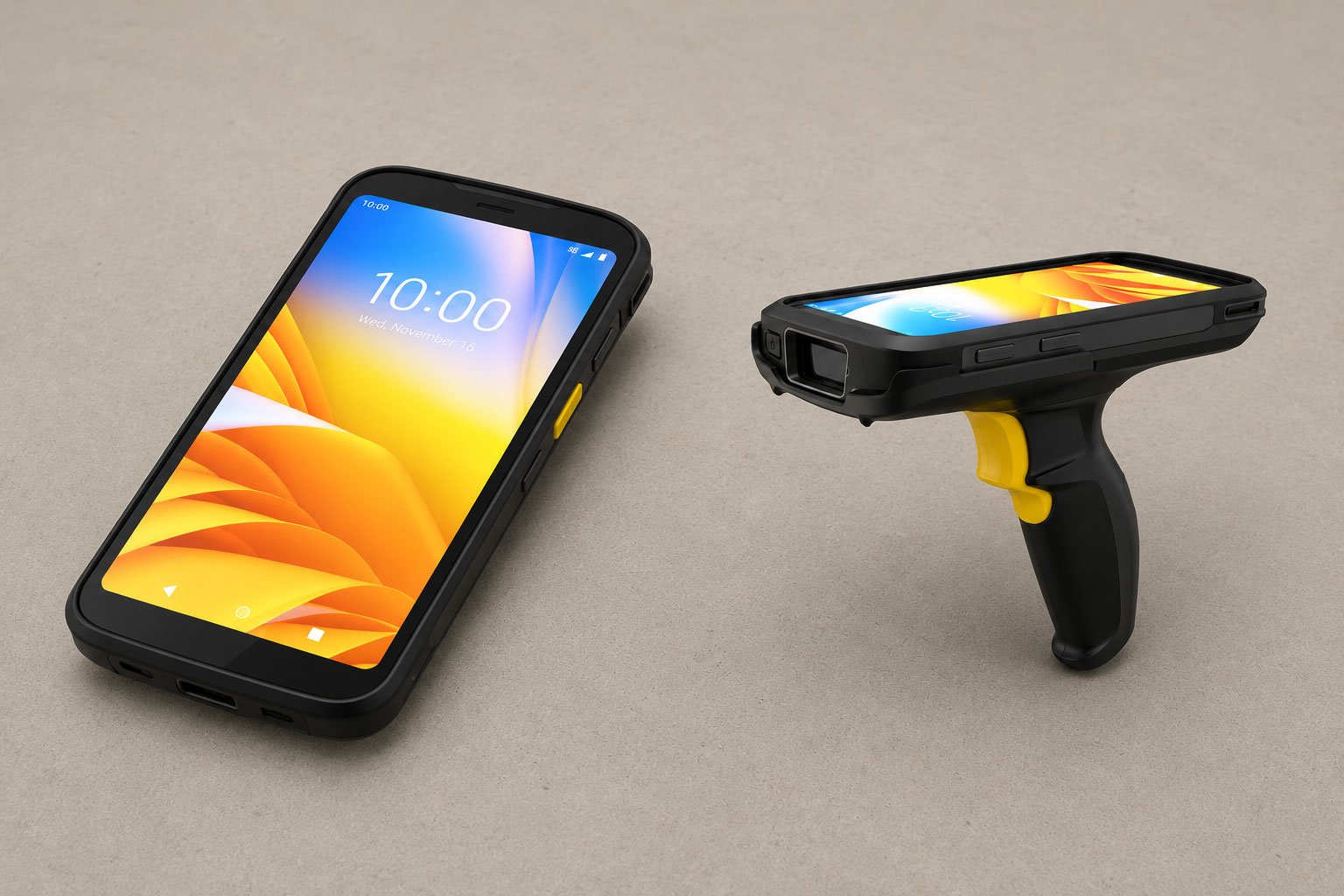
Handheld terminal
Zebra TC22 mobile computer
Printer
Our recommendation is the Zebra ZD421d (USB + Bluetooth), because Zebra’s ZPL printer language is a de facto standard that even competing brands emulate: label formats and drivers are built with it in mind, consumables and spare parts are easy to get, and Zebra’s own setup and print quality tooling is genuinely good.- Resolution: 203 dpi, sharp enough for clear, scannable labels.
- Speed: fast printing that keeps up with daily order volume.
- Label size: handles labels for all carriers, up to a maximum width of 108 mm.
- Price: a strong price point for a dedicated label printer.
Barcode scanner
Our recommendation is the Zebra DS2278-SR wireless model with a charging base.- Symbologies: reads both 1D and 2D barcodes.
- Durability: built to survive being dropped on the floor.
- Hands-free use: the presentation stand lets you scan items without holding the scanner.
Handheld terminal
A handheld terminal (also called a PDA or handheld mobile computer) is a rugged, Android-based device that combines a built-in barcode scanner with a touchscreen, so staff can scan, look up, and confirm orders while moving around the warehouse. Our recommendation is the Zebra TC22 with the SE4710 scan engine, paired with a trigger handle.- Built for scanning: reads both 1D and 2D barcodes and runs the apps your team needs throughout the day.
- Trigger handle: the pistol-grip trigger handle (model SG-TC2L-BOOT-01) makes high-volume scanning faster and more comfortable than tapping the screen.
- Scan engine: the standard SE4710 engine covers the read distances of a typical warehouse. The premium SE55 (extended range) version is not needed for most webshop warehouses.