View addresses
To view your saved addresses, go to Address Book in the Smart Send platform .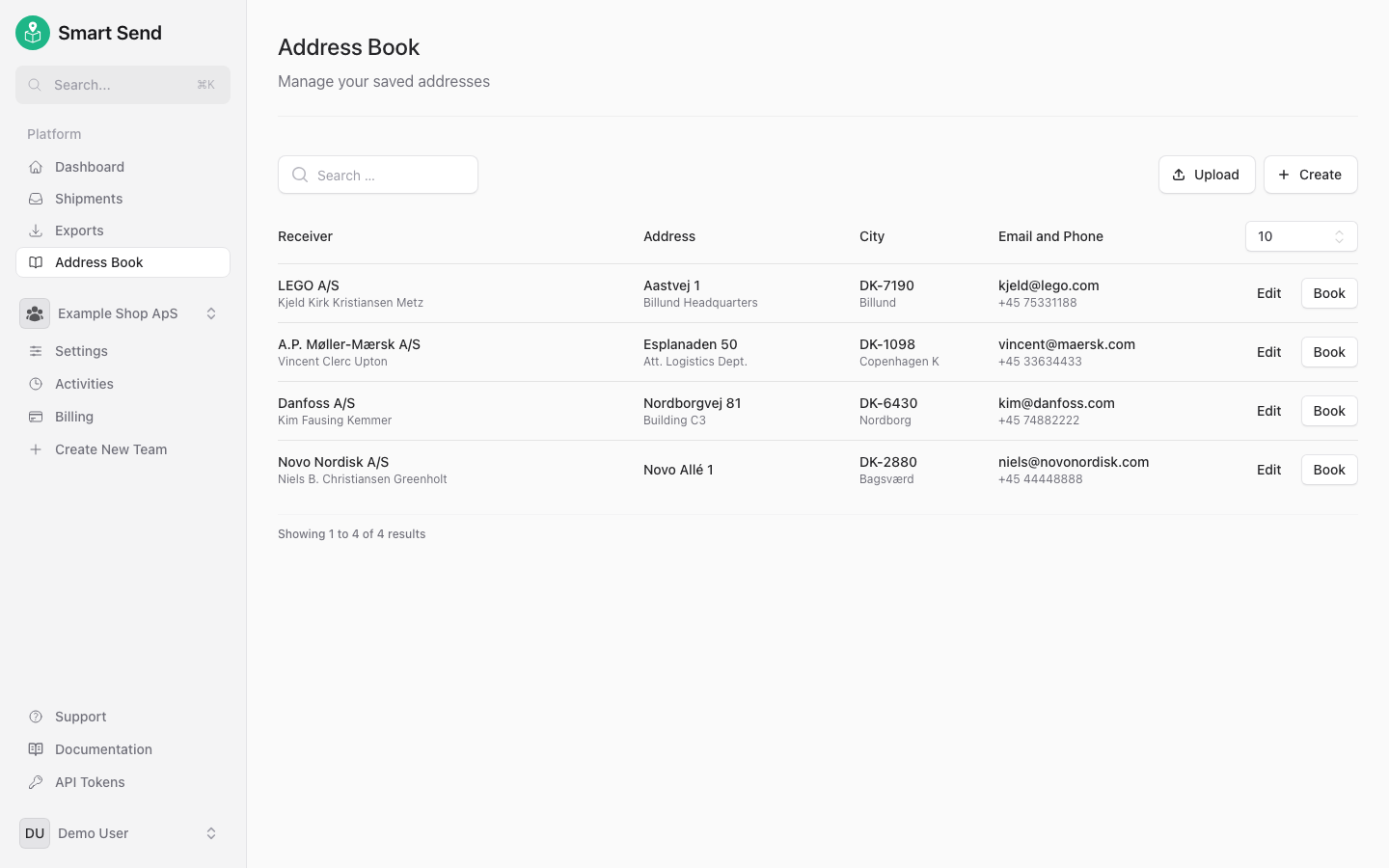
Add an address
To add a new address manually, start by logging into the Smart Send platform .1
Navigate to Address Book
Go to Address Book and click Create
2
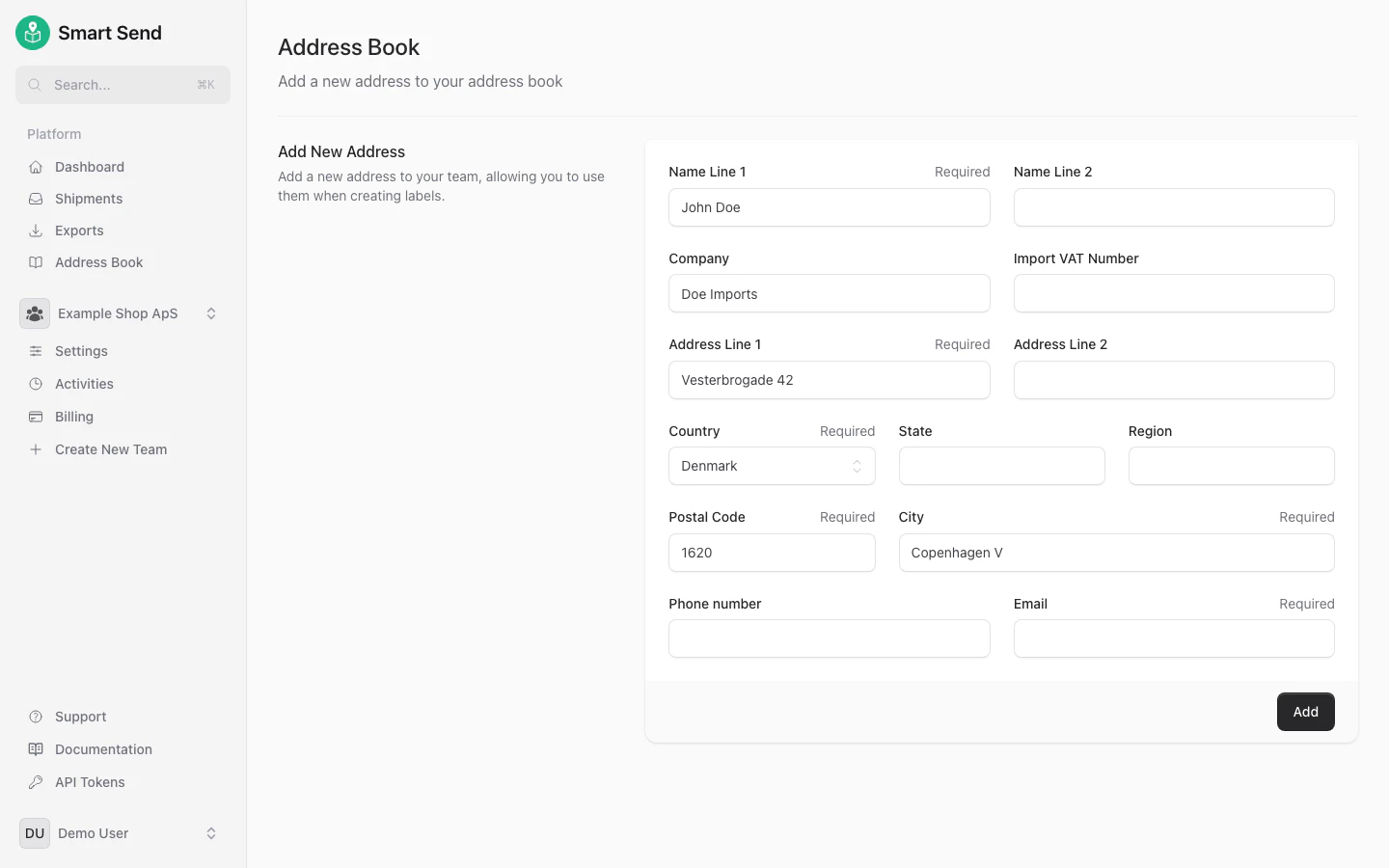
Fill in address details
Enter the receiver’s required information and press Save