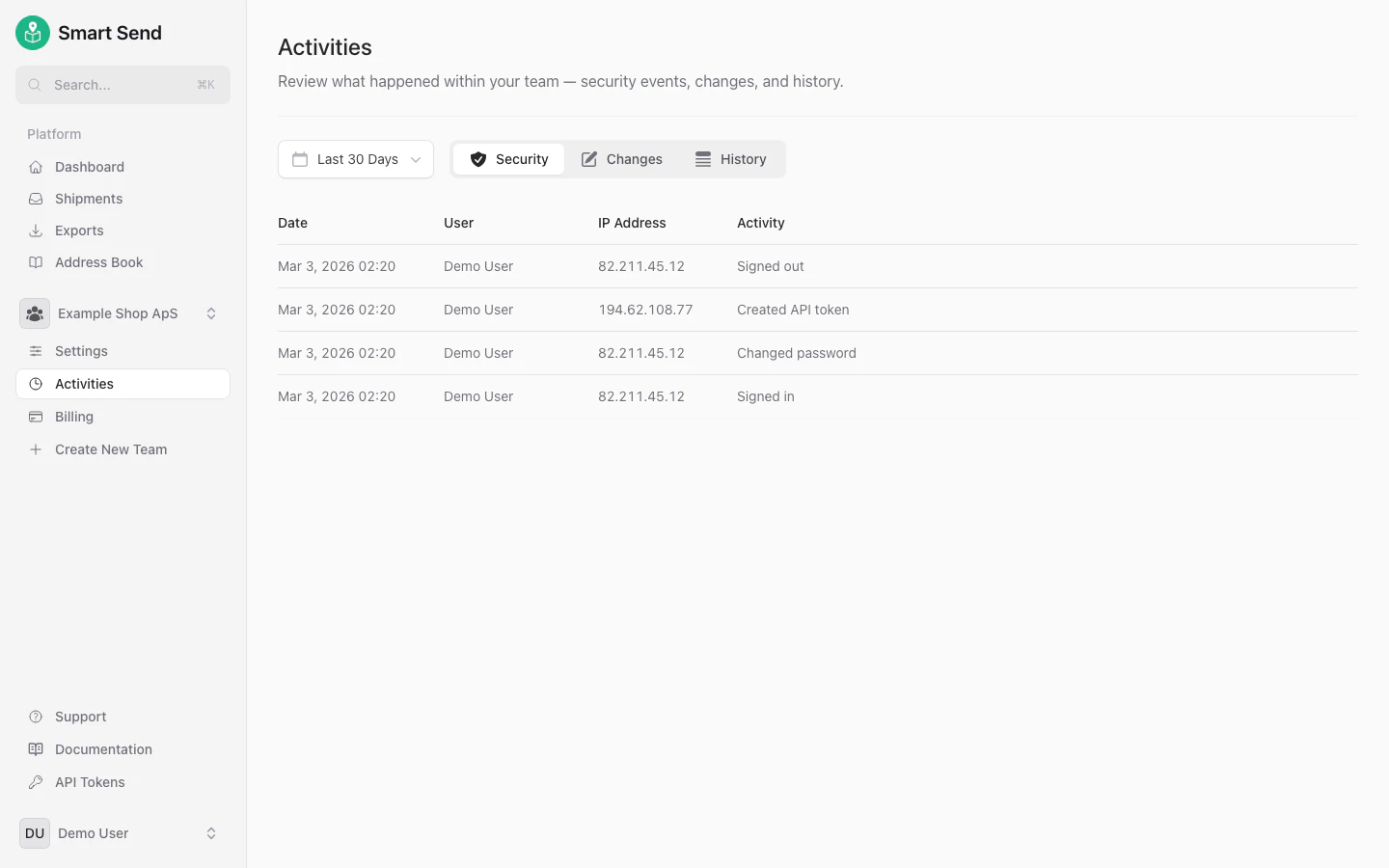
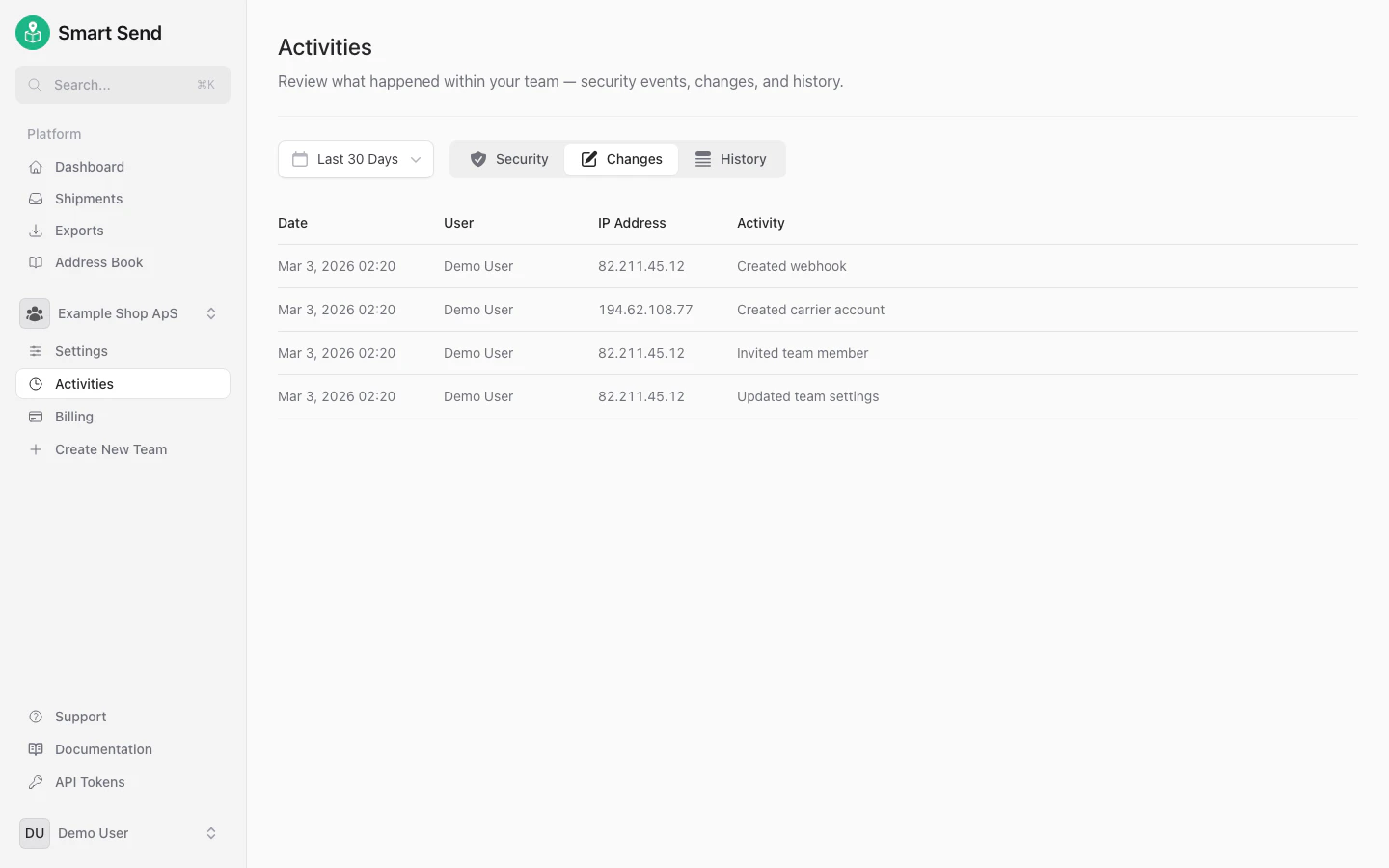
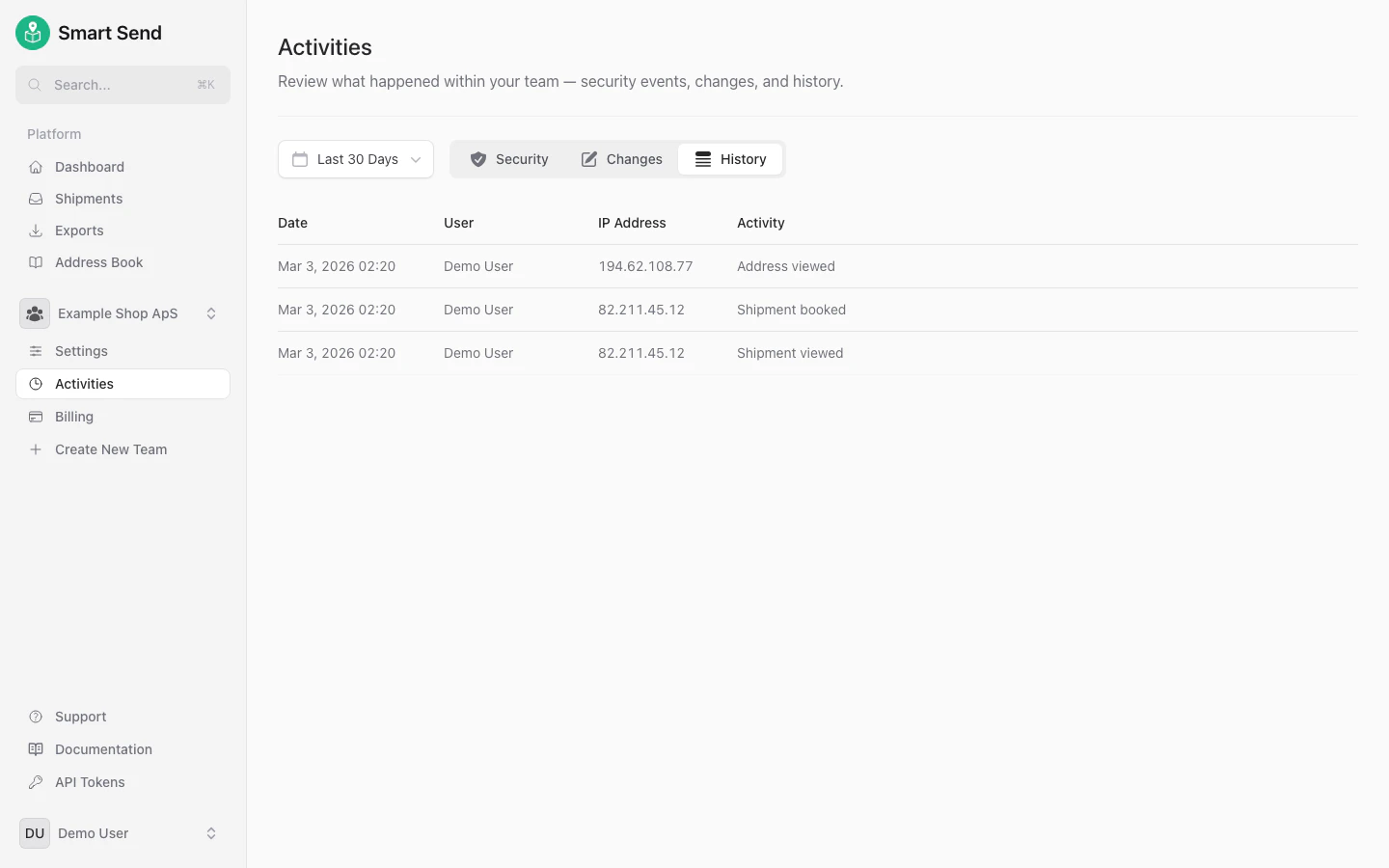
Your activities
Any user can view their own activity log under their profile. To view your personal activities, start by logging into the Smart Send platform .1
Navigate to your profile
Go to Profile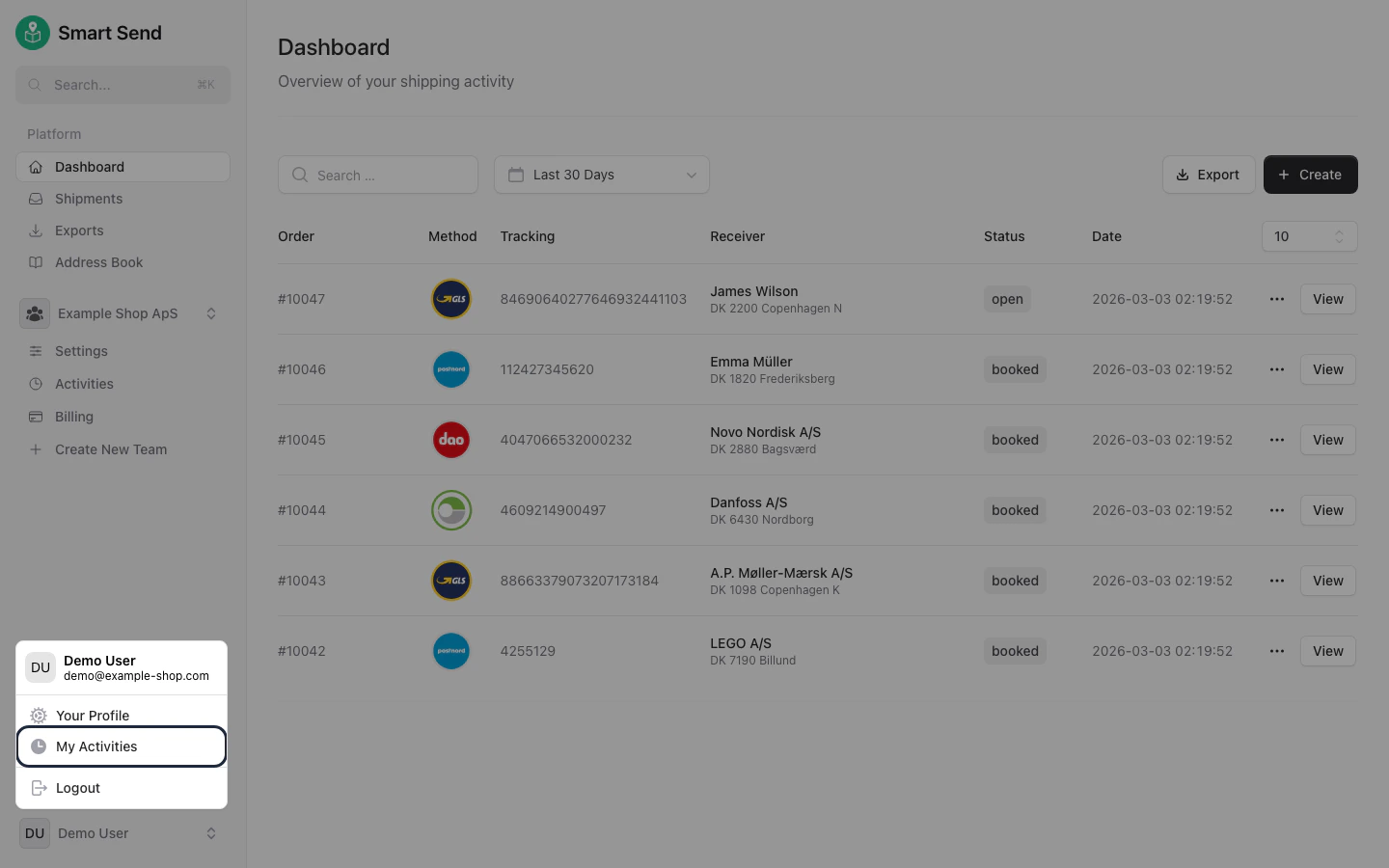
2
View activity log
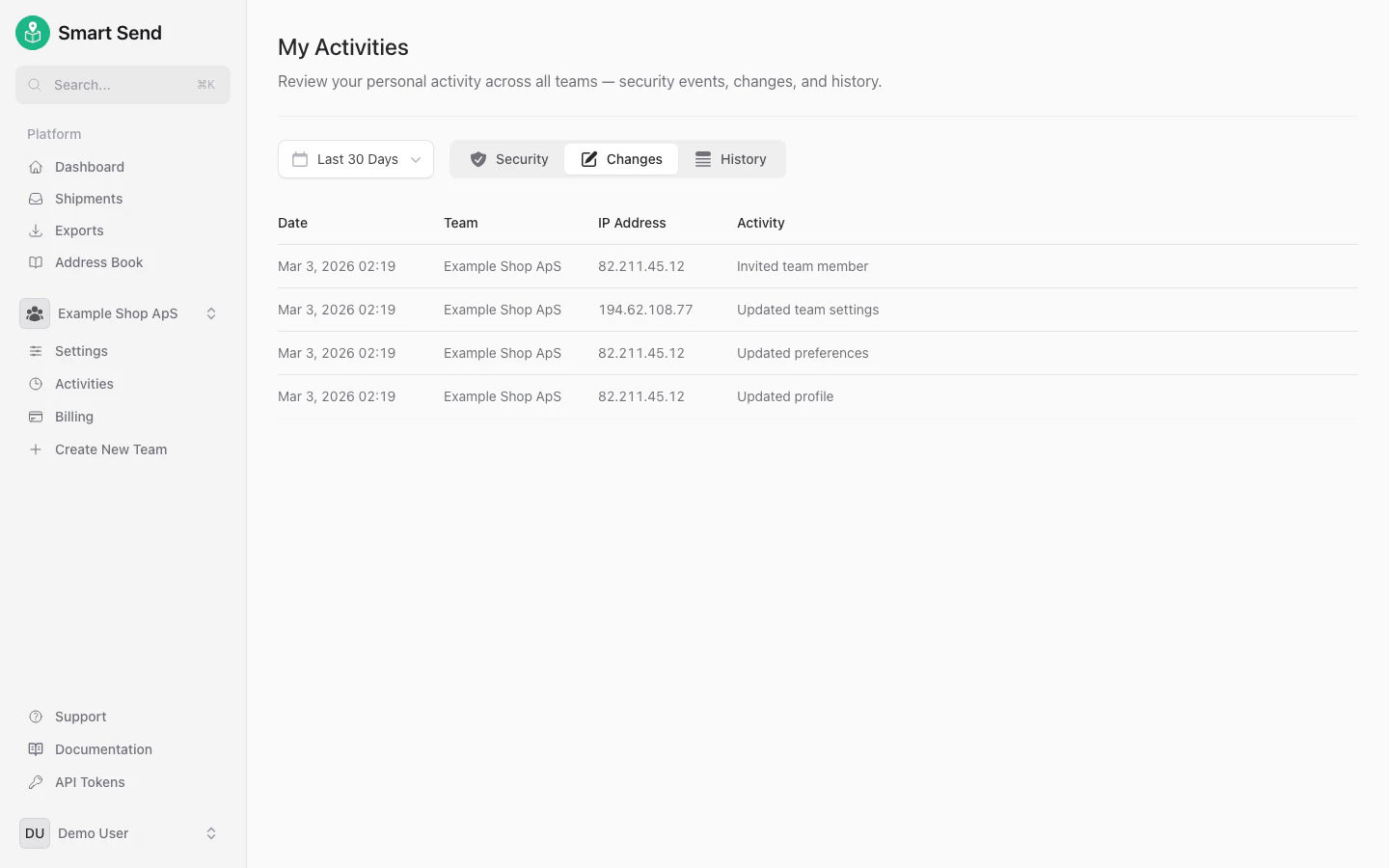
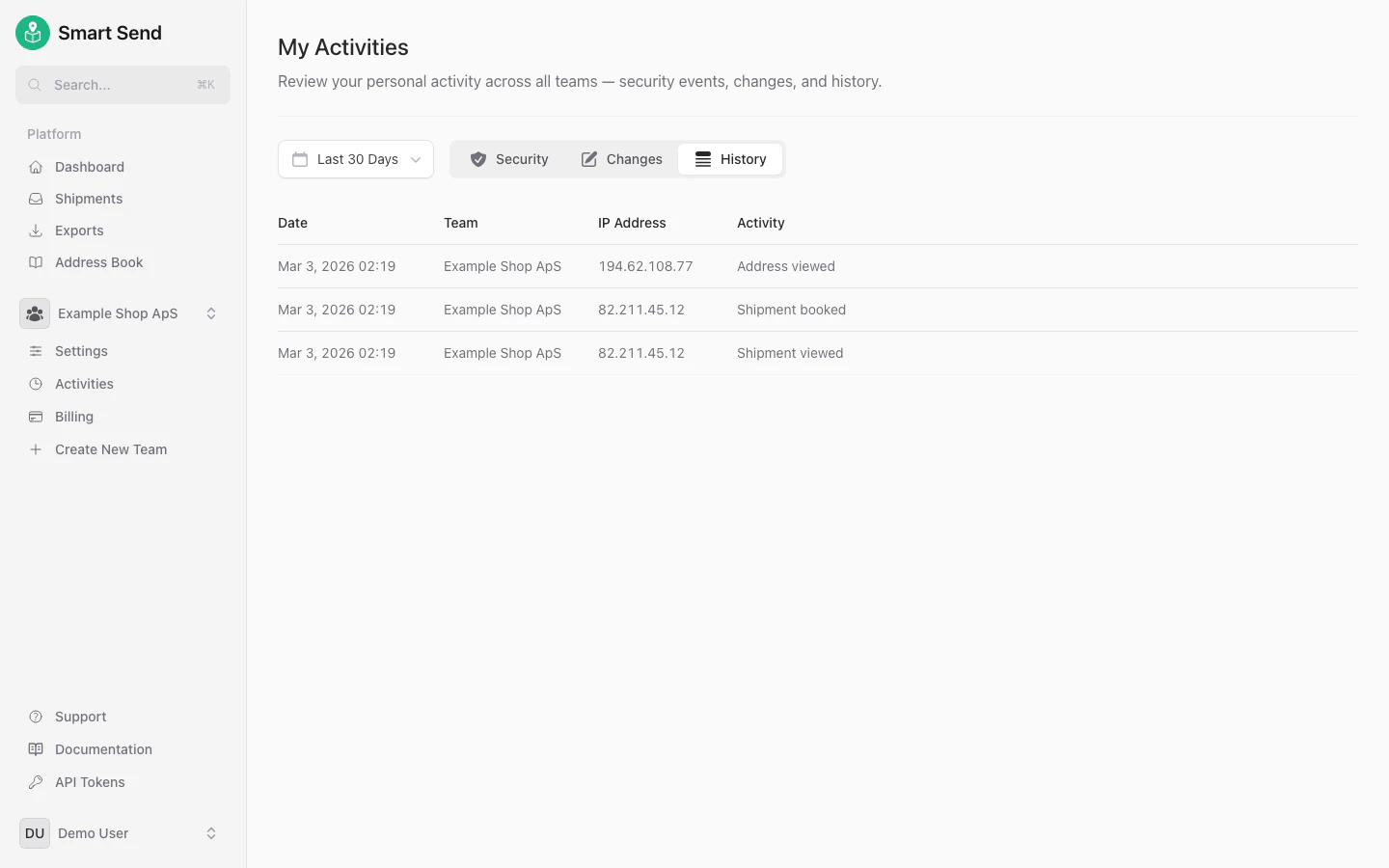
Select the activity type you want to review.
- Security
- Changes
- History
Security activities include login attempts, password changes, and session management.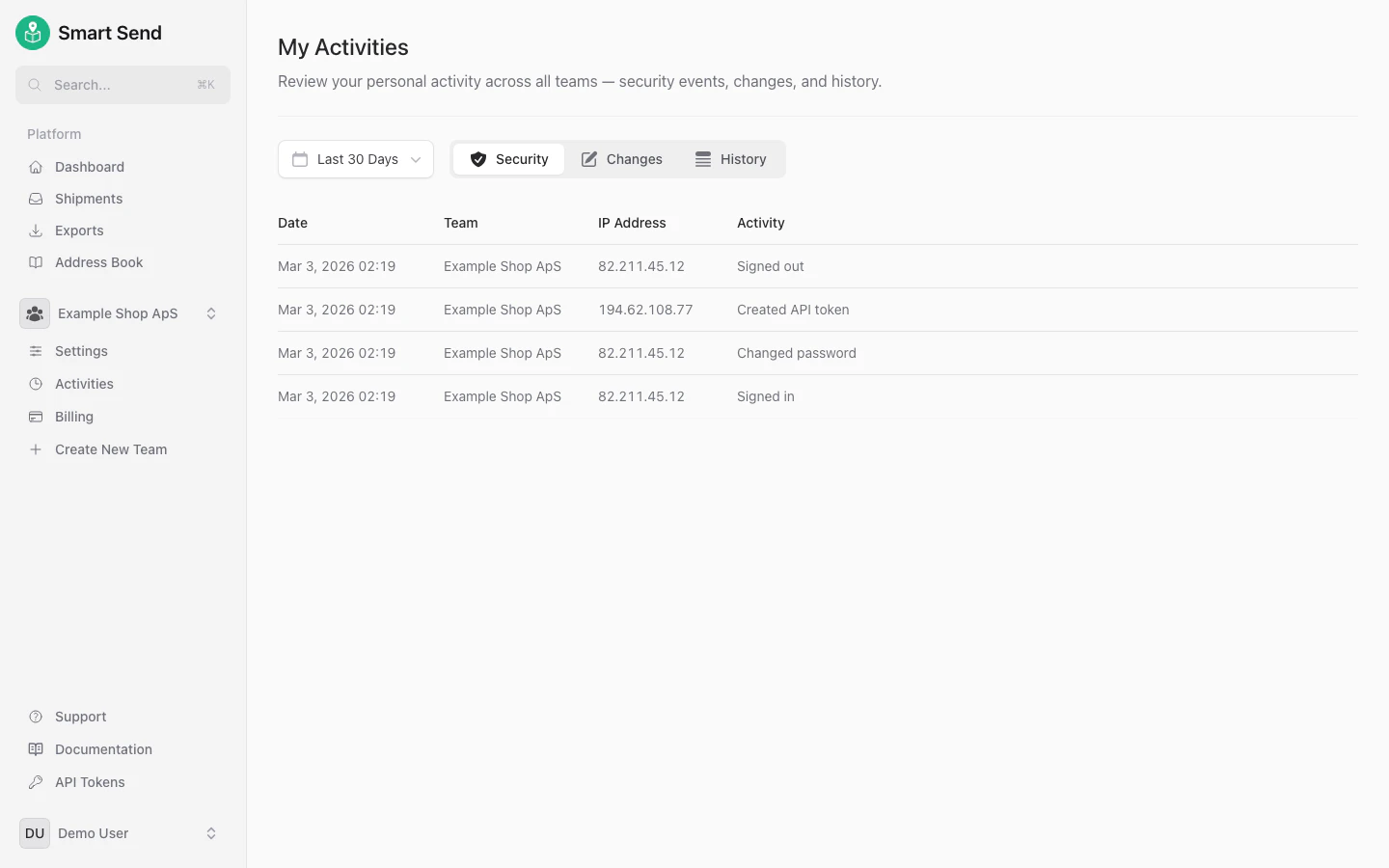
Team activities
It is possible to see all relevant activities for a given team across all users on the team, providing full transparency on who did what and when. This is useful for accountability, audit trails, and troubleshooting.Only Team admins can see team activities across all users.
1
Navigate to team activities
Go to Activities
2
View activity log
Select the activity type you want to review.
- Security
- Changes
- History
Security activities for all team members, including login attempts, password changes, and session management.