

How to create shipments
Manual creation
Create individual shipments directly in the Smart Send platform using the shipment form.
Webshop integration
Import orders automatically from your connected webshop (Shopify, WooCommerce, etc.).
REST API
Create shipments programmatically using the Smart Send API.
1
Navigate to Shipments
Go to Shipments and click Create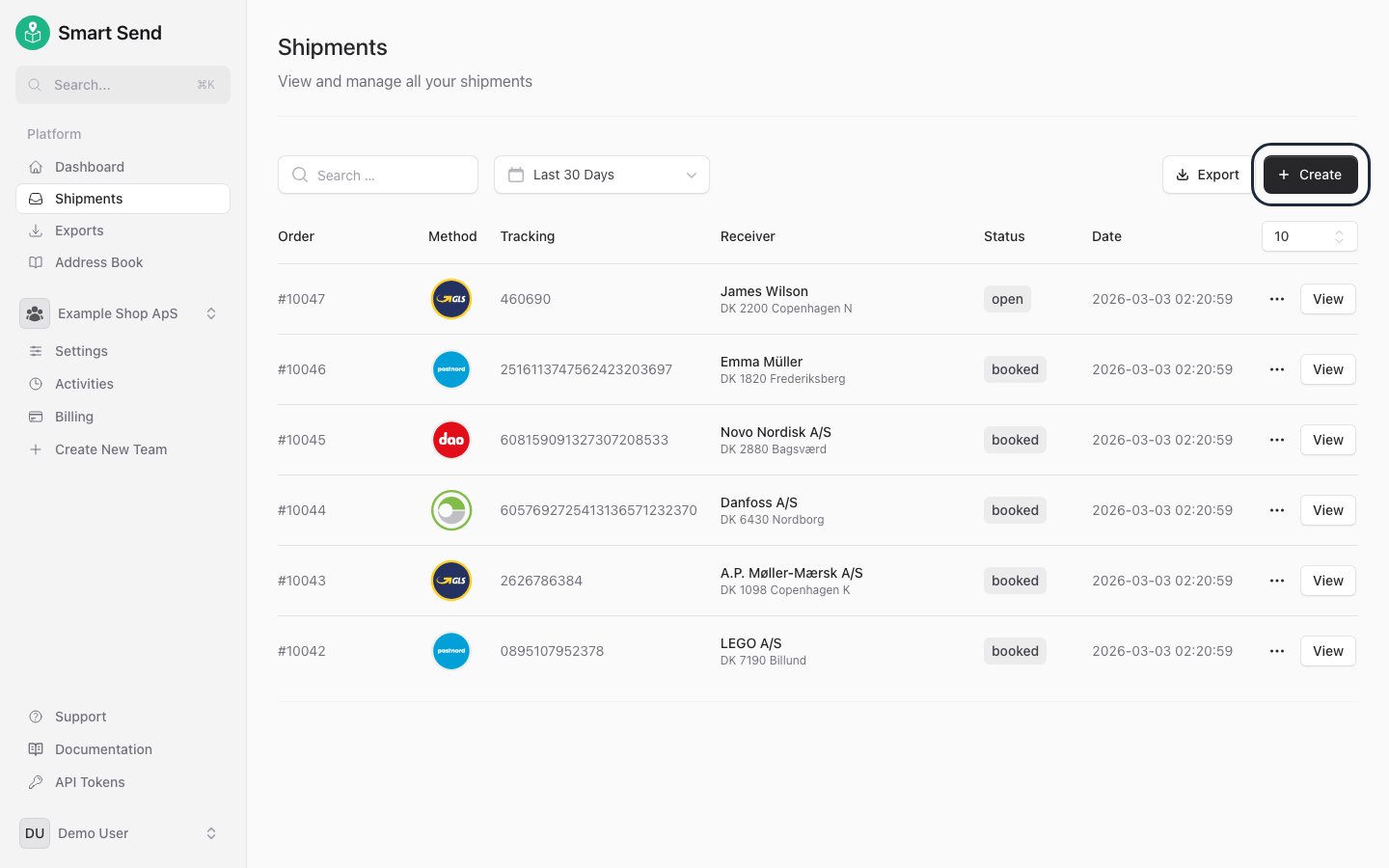
2
Fill in shipment details
Enter the receiver information, select a carrier and service, and provide package details
3
Book the shipment
Click Book to register the shipment with the carrier and generate a shipping label