Search
Use the search bar at the top of the shipment list to find specific shipments. You can search by tracking number, receiver name, or address.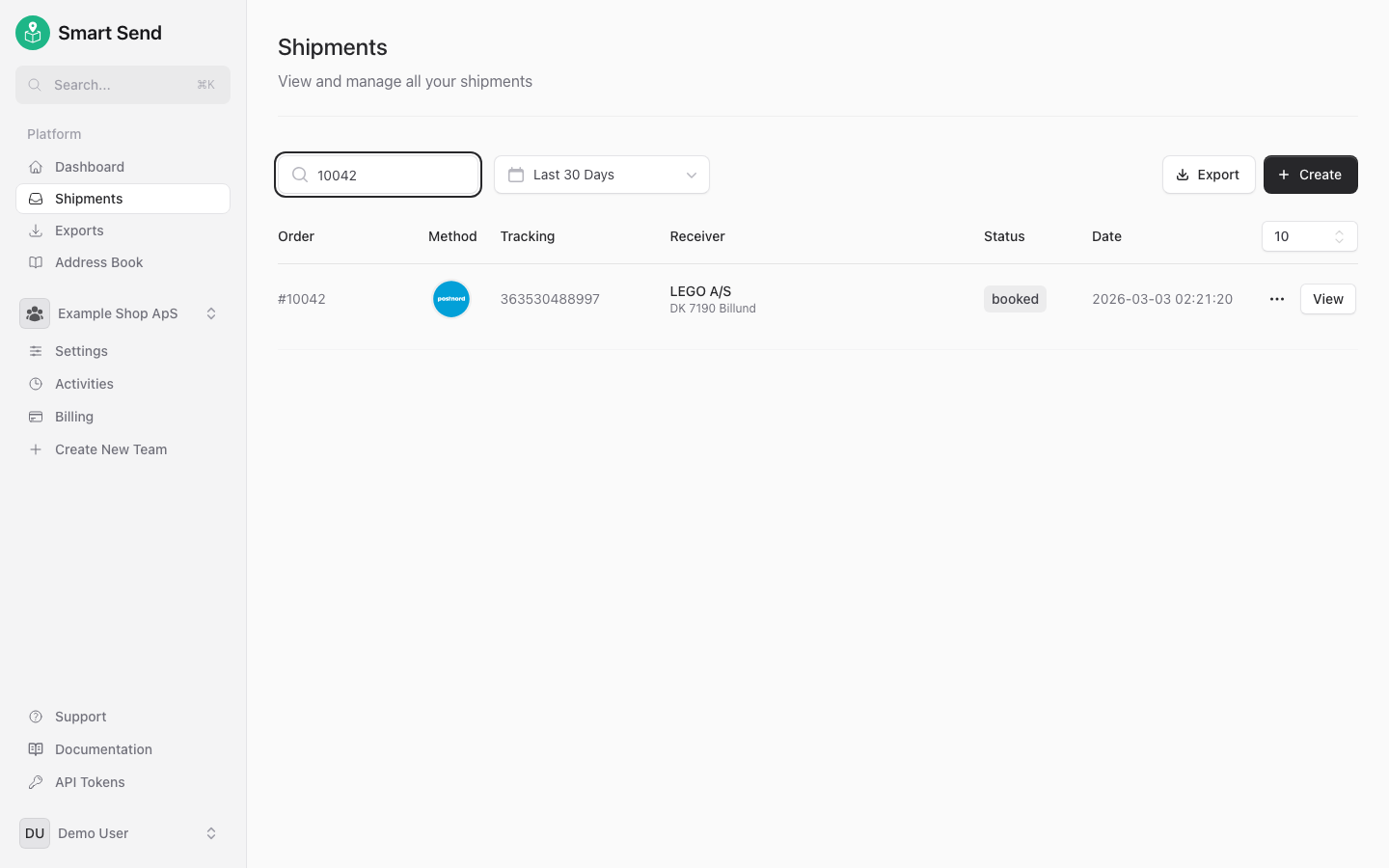
Filter
Besides searching then shipments can be filtered down to get a more precise overview.Date range
Use the date picker to narrow down the shipment list to a specific time period. This is useful for reviewing shipments from a particular day, week, or month.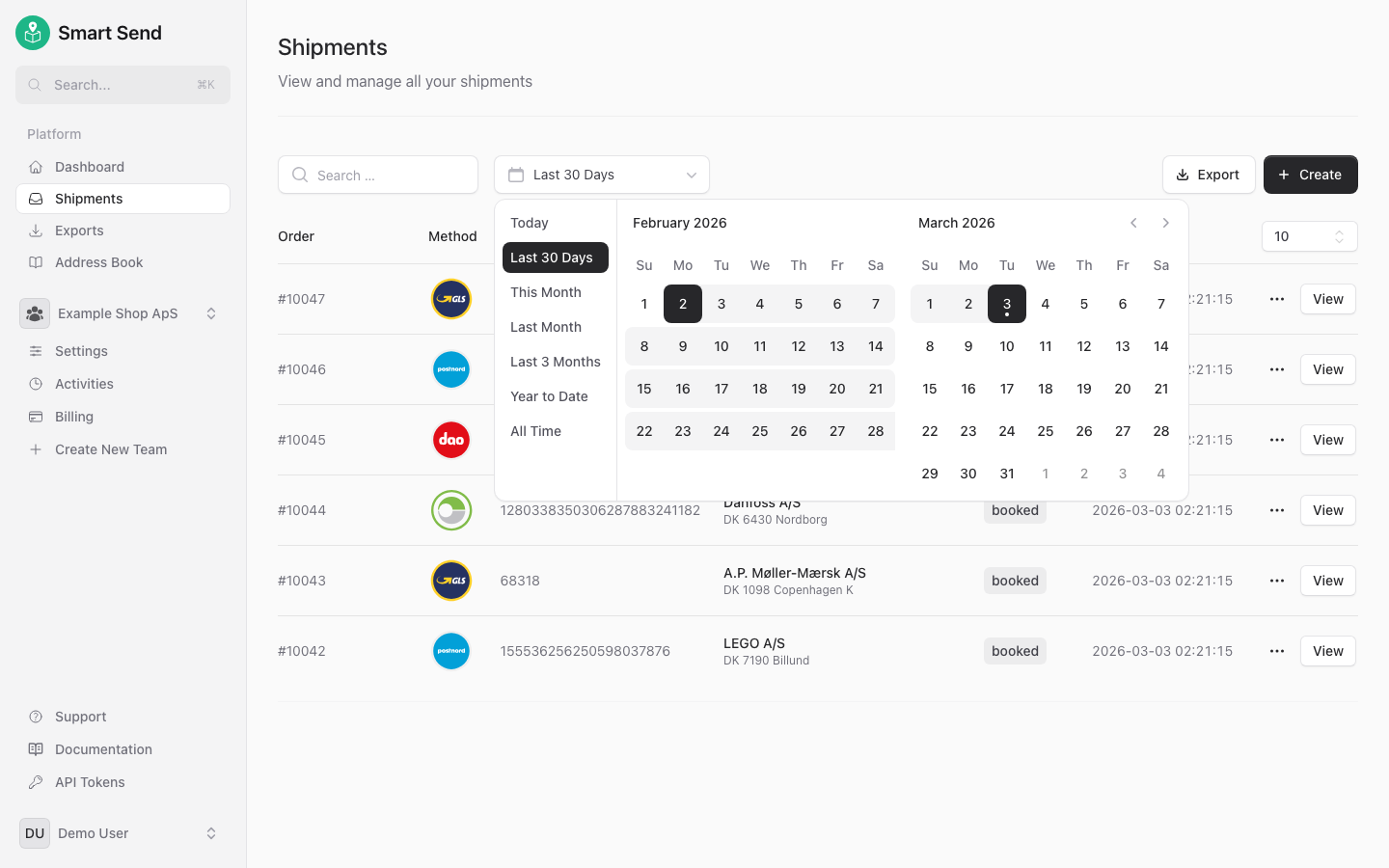
Export
Export your shipment data as XLSX or CSV files for reporting, accounting, or further analysis. The export includes all shipment details for the selected time period. To export shipments, start by logging into the Smart Send platform .1
Navigate to Shipments
Go to Shipments
2
Click Export
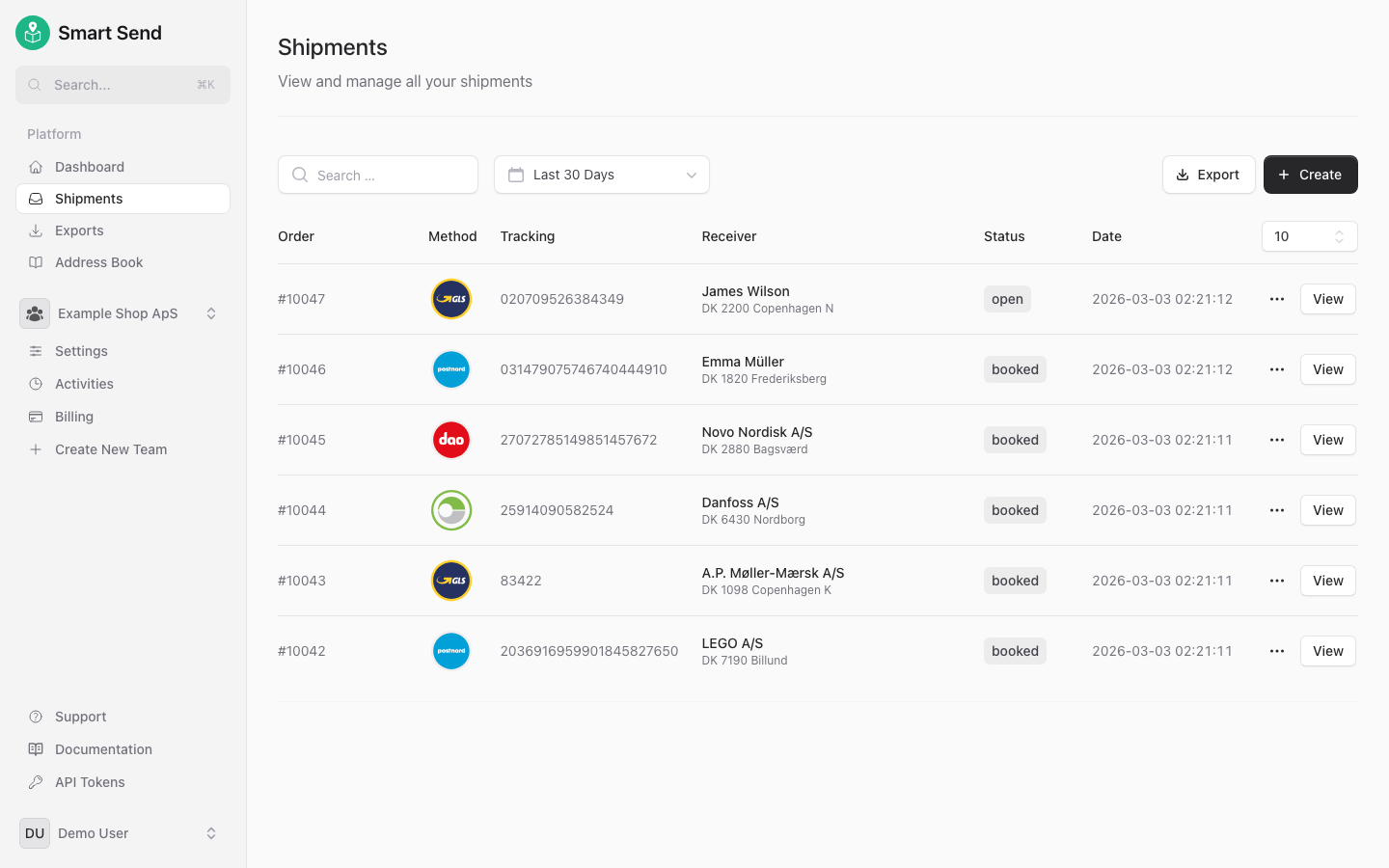
Click the Export button at the top of the shipment list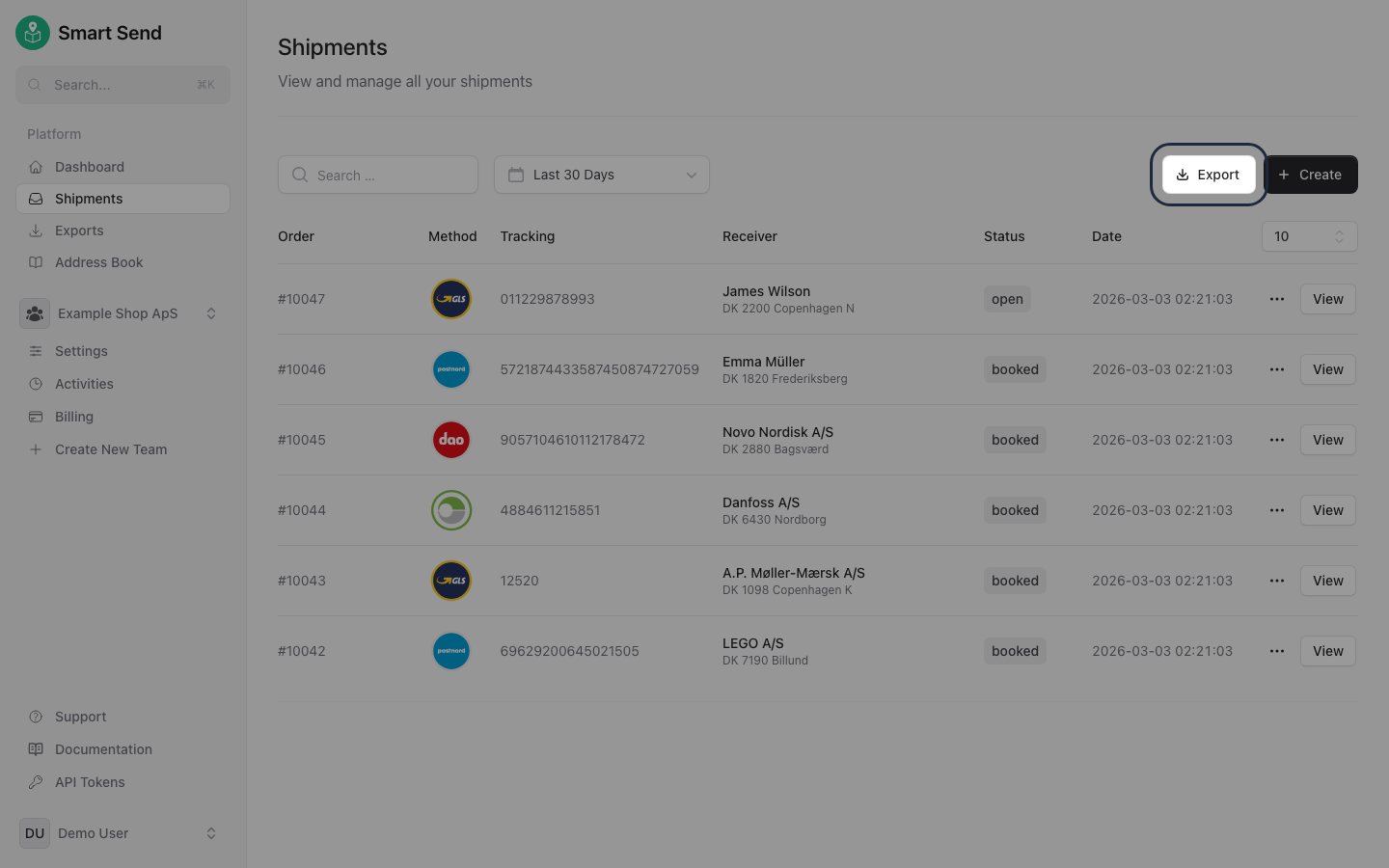
3
Choose format and download
Select the preferred format and the export will be queued.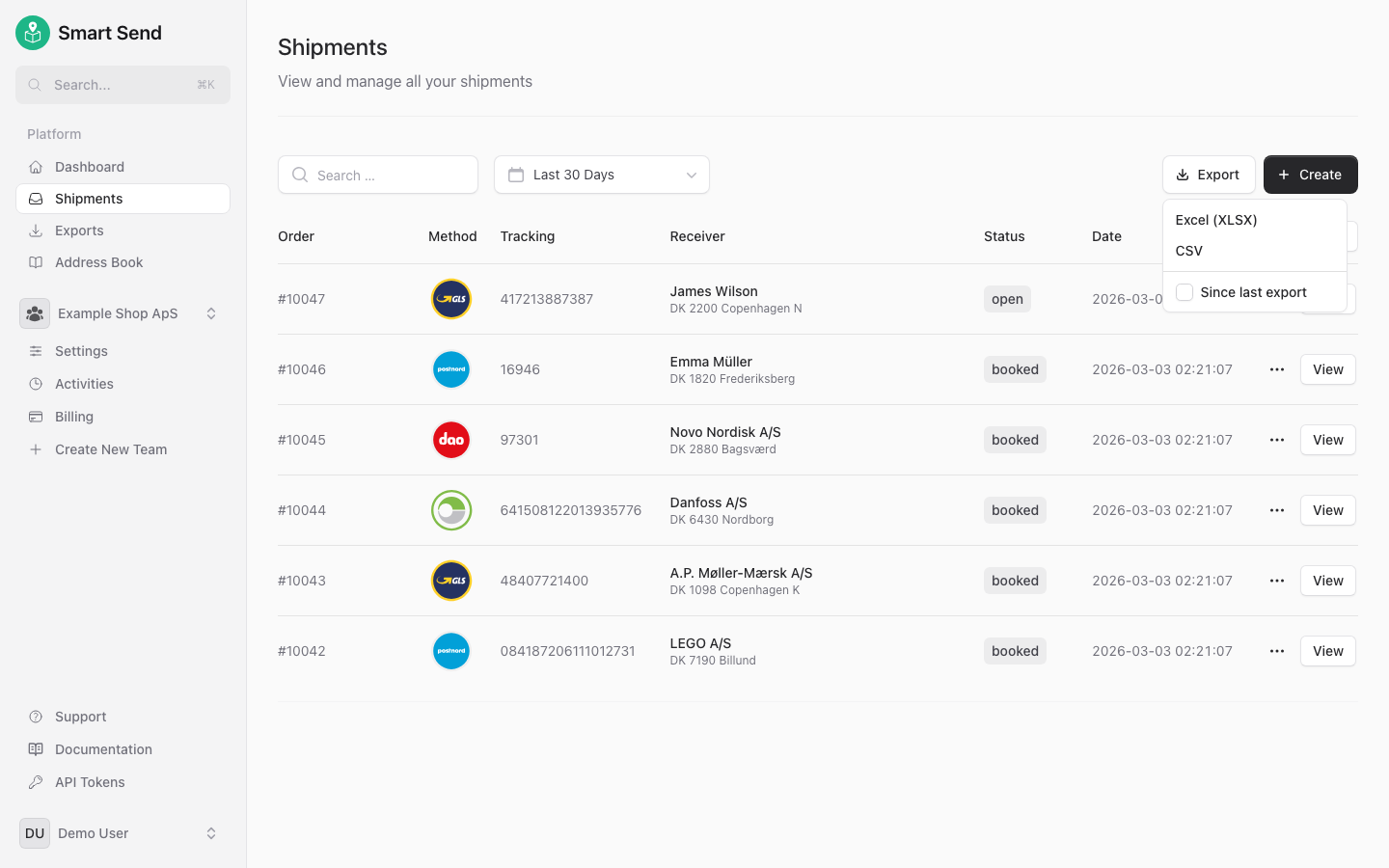
4
Choose format and download
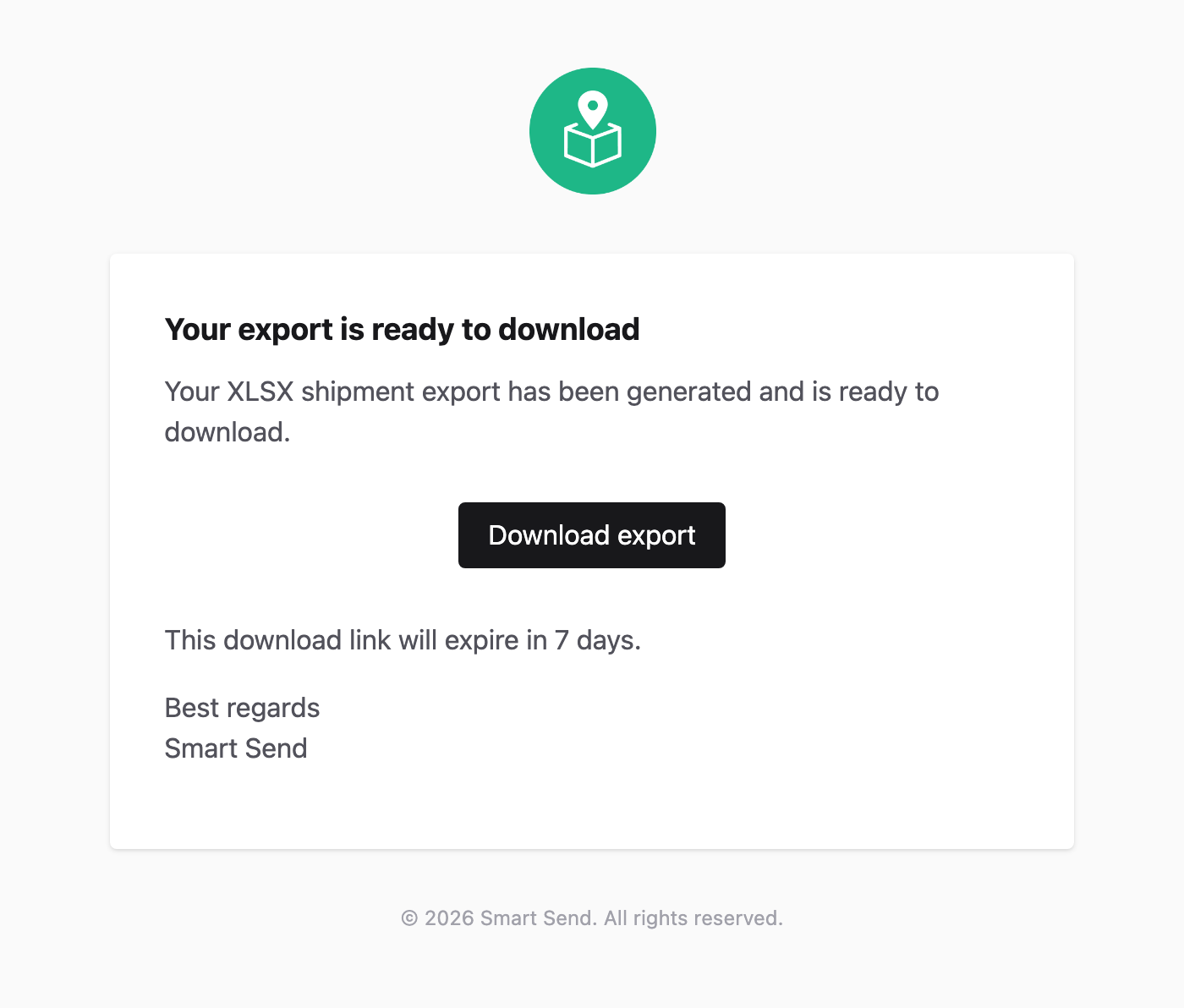
Once the export is done then it will be emailed to you.