

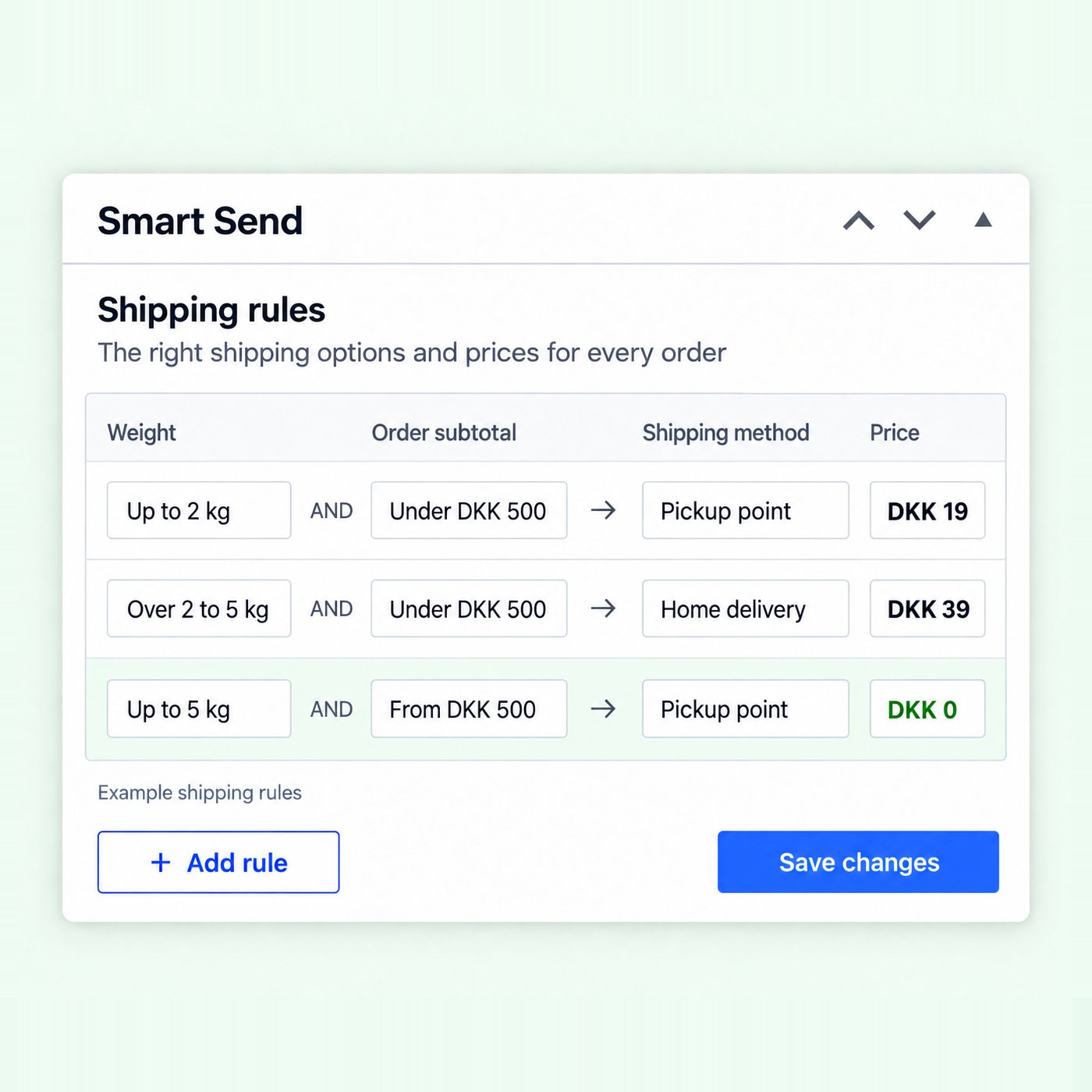
Shipping methods
Set up delivery options and shipping prices at checkout.
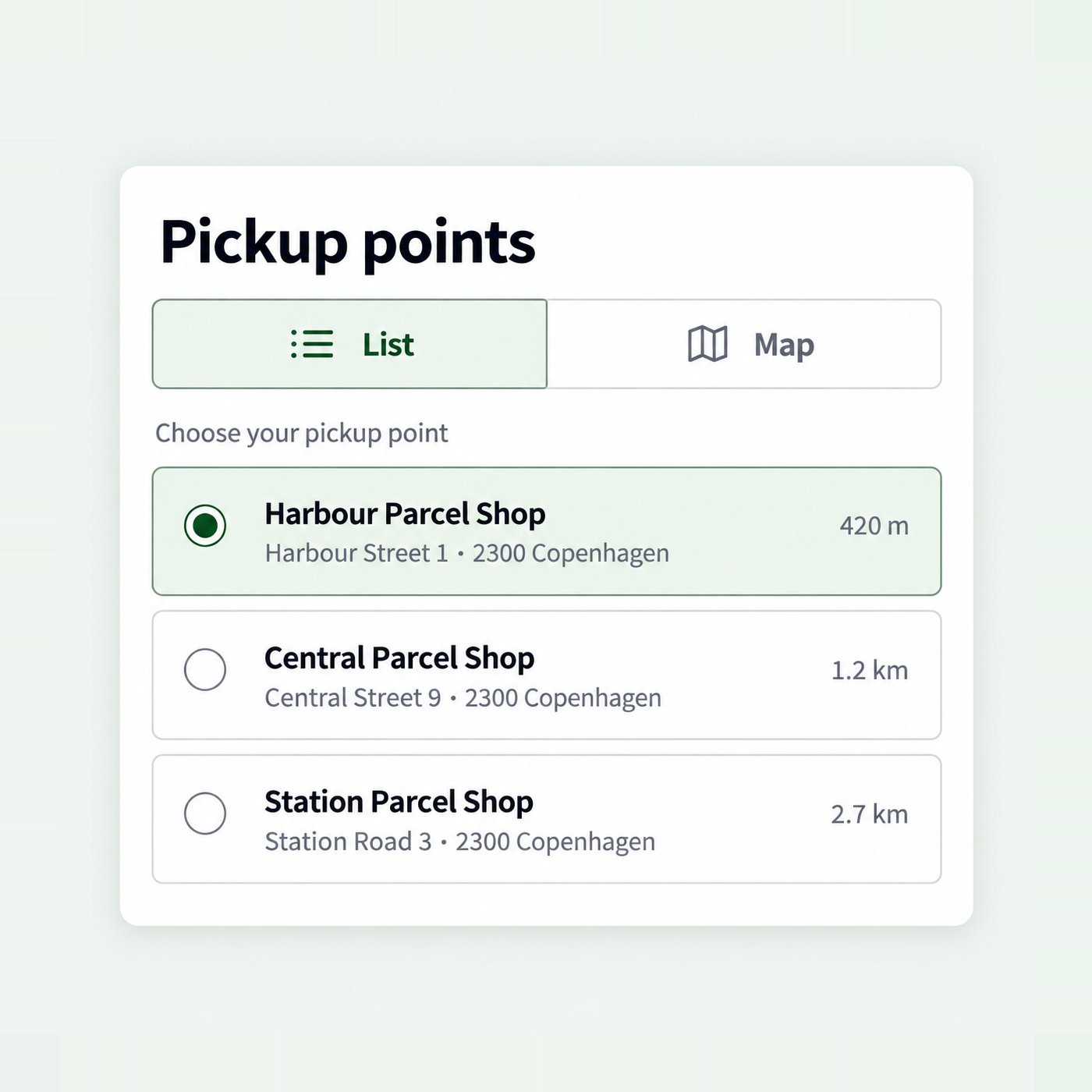
Pickup points
Let your customers choose a pickup point at checkout.
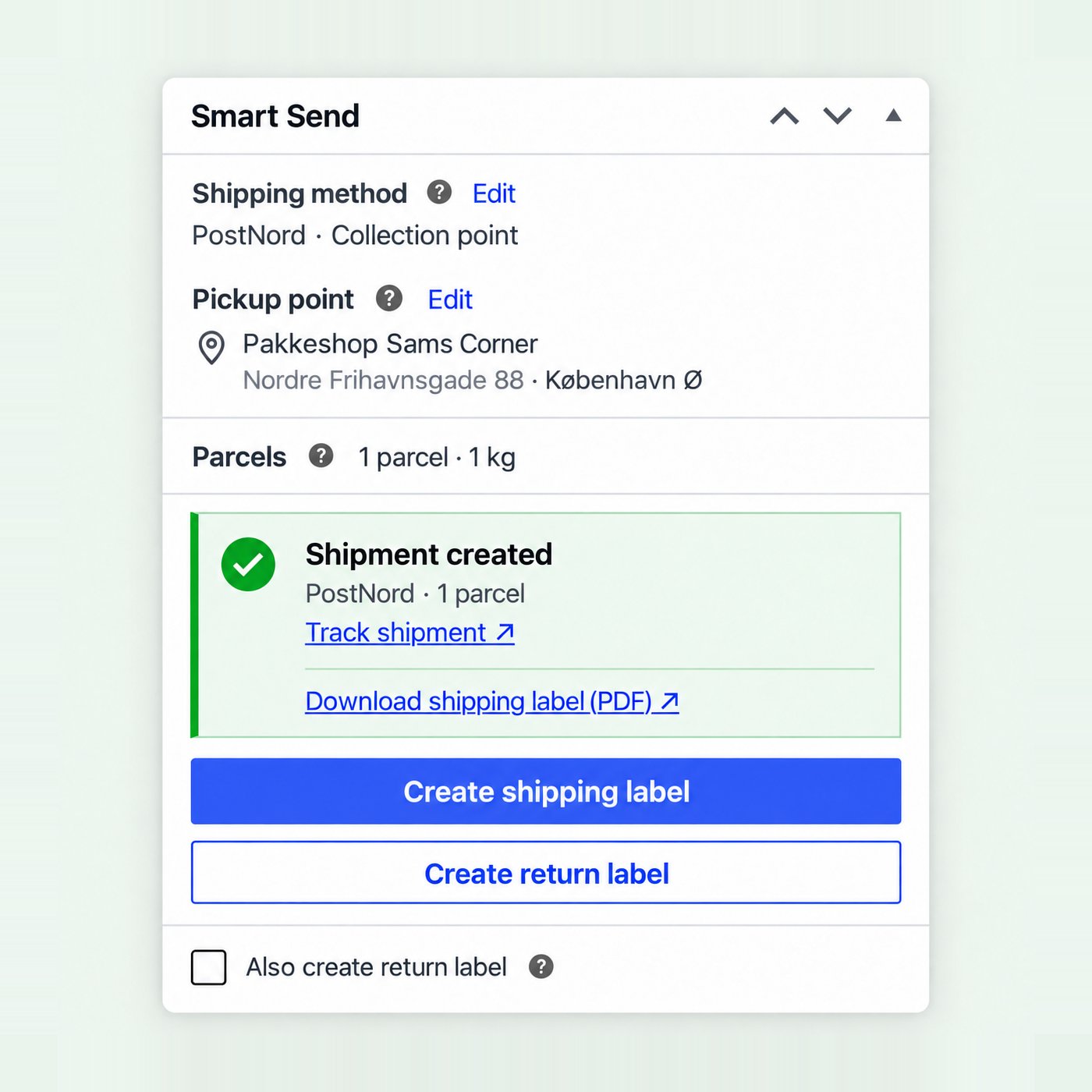
Labels
Book shipments and print labels from the order page.
Get started quickly
You need administrator access to your WooCommerce store, a Smart Send account, and the carrier connection you want to book with.1
Install and connect
2
Set up checkout shipping
Create a shipping zone and method. Start with one delivery option and check its price and pickup selection with a known cart and address.
3
Book your first shipment
Open an order, review its details, then create and print the shipping label.
Install the plugin
Store requirements
Use supported releases appropriate for your store; WooCommerce and other extensions may require newer versions than the plugin minimum. Smart Send supports HPOS and traditional order storage, as well as Classic Checkout and the Checkout Block.
Install and activate
1
Find the plugin
In WordPress administration, go to Plugins → Add New Plugin and search for Smart Send. Check that the author is Smart Send ApS. You can also find the official listing at Smart Send for WooCommerce .
2
Install and activate
Click Install Now, then Activate. If you have a plugin ZIP, use Upload Plugin on the same page, select the ZIP, install it and activate it.
3
Confirm the active plugin
Open Plugins → Installed Plugins. The Smart Send row should offer Deactivate, which indicates that the plugin is active.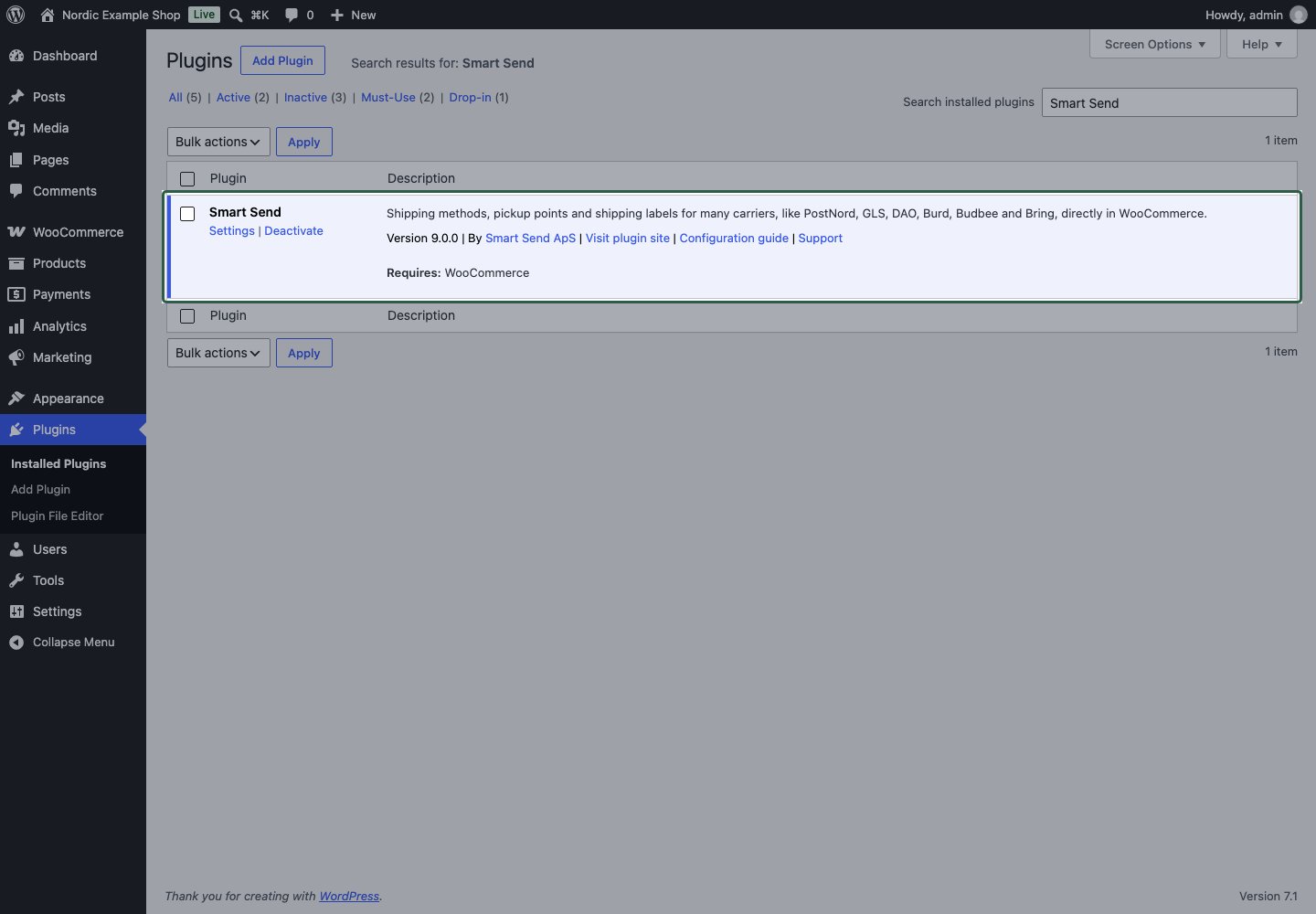
4
Open Smart Send settings
Go to WooCommerce → Settings → Shipping → Smart Send, or use Settings in the plugin row.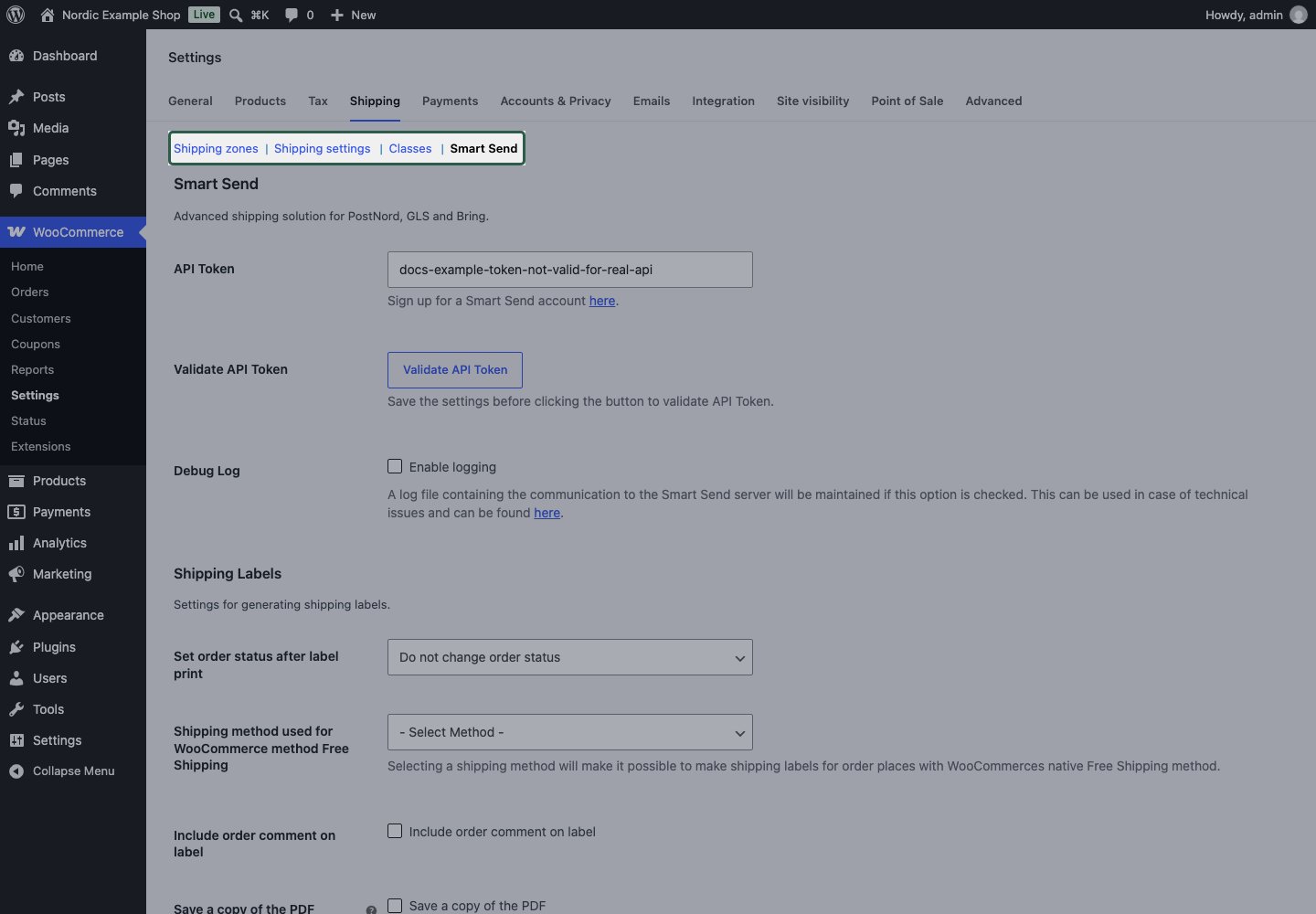
Compatibility with optional extensions
Smart Send can book shipments without a subscription or tracking extension. Use these details if your store also uses those extensions.WooCommerce Shipment Tracking
WooCommerce Shipment Tracking
The optional WooCommerce Shipment Tracking extension can receive outbound parcel tracking through its
wc_st_add_tracking_number() API. Smart Send calls that API when it is available. Return tracking is not sent by default.The extension supplies its customer-account and email presentation. Check those views with your shop’s email templates and status workflow. See tracking and booking history for the exact handoff.WooCommerce Subscriptions
WooCommerce Subscriptions
Smart Send integrates with the renewal-data APIs used by WooCommerce Subscriptions 4.9 and later. The official Subscriptions filter reference describes its renewal lifecycle.For a renewal, Smart Send keeps reusable delivery configuration while excluding previous booking results and copied Shipment Tracking entries. Where a saved colli allocation exists, it maps the source order lines to the renewal’s new order lines. If that mapping cannot be verified, the order requires an explicit allocation reset before booking. The source subscription is left unchanged.The integration does not book a shipment automatically when a renewal is created. Open and review each renewal order, then book its label. Review the destination and pickup point, especially when the customer’s details have changed.See shipping subscription orders for the operational workflow.
The renewal integration follows the documented API contracts. End-to-end testing with the licensed WooCommerce Subscriptions renewal engine has not been completed. Verify an initial order and a real renewal in your own staging configuration before relying on the workflow.
Gift cards, discounts and shipment value
Gift cards, discounts and shipment value
A coupon discount and payment with stored value are different. Smart Send reads item amounts after WooCommerce’s line discounts and uses order totals when preparing shipment values.Support for a specific store-credit or voucher extension cannot be inferred from ordinary WooCommerce coupon support. Check its order representation, shipping thresholds and booked values. See gift cards, coupons and credit.
Other extensions and custom checkout flows
Other extensions and custom checkout flows
Extensions can change shipping rates, addresses, currencies, order numbers, emails or checkout rendering. Using the WooCommerce APIs does not guarantee every combination works. Verify the complete checkout-to-booking flow with the actual extensions and theme used by your store, including both guest and signed-in checkout where relevant.If a combination fails, use troubleshooting to collect the versions, steps and relevant logs. Developers can use the documented extension points.
Connect the plugin
Use an API token for your Smart Send account. Check that the relevant carrier connection is configured before booking a shipment.Save and validate your API token
1
Create an API token
Follow creating an API token. Give the token a name that identifies your shop and copy it when it is displayed. Treat it like a password.
2
Enter and save the token
Open WooCommerce → Settings → Shipping → Smart Send. Paste the token into API Token, then click Save changes.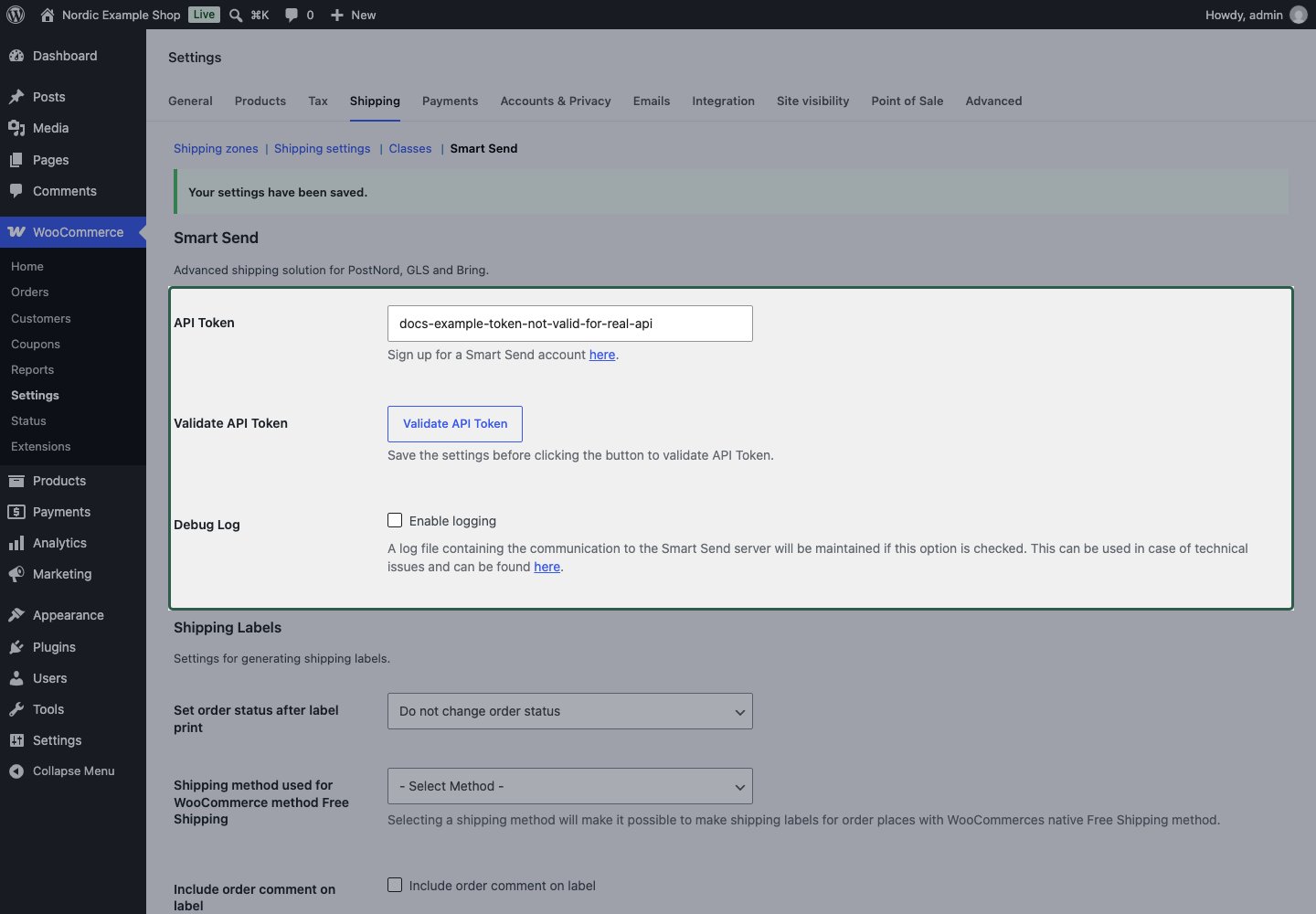
3
Validate the saved connection
Click Validate API Token. The plugin checks the saved token, so save any edits before clicking the button.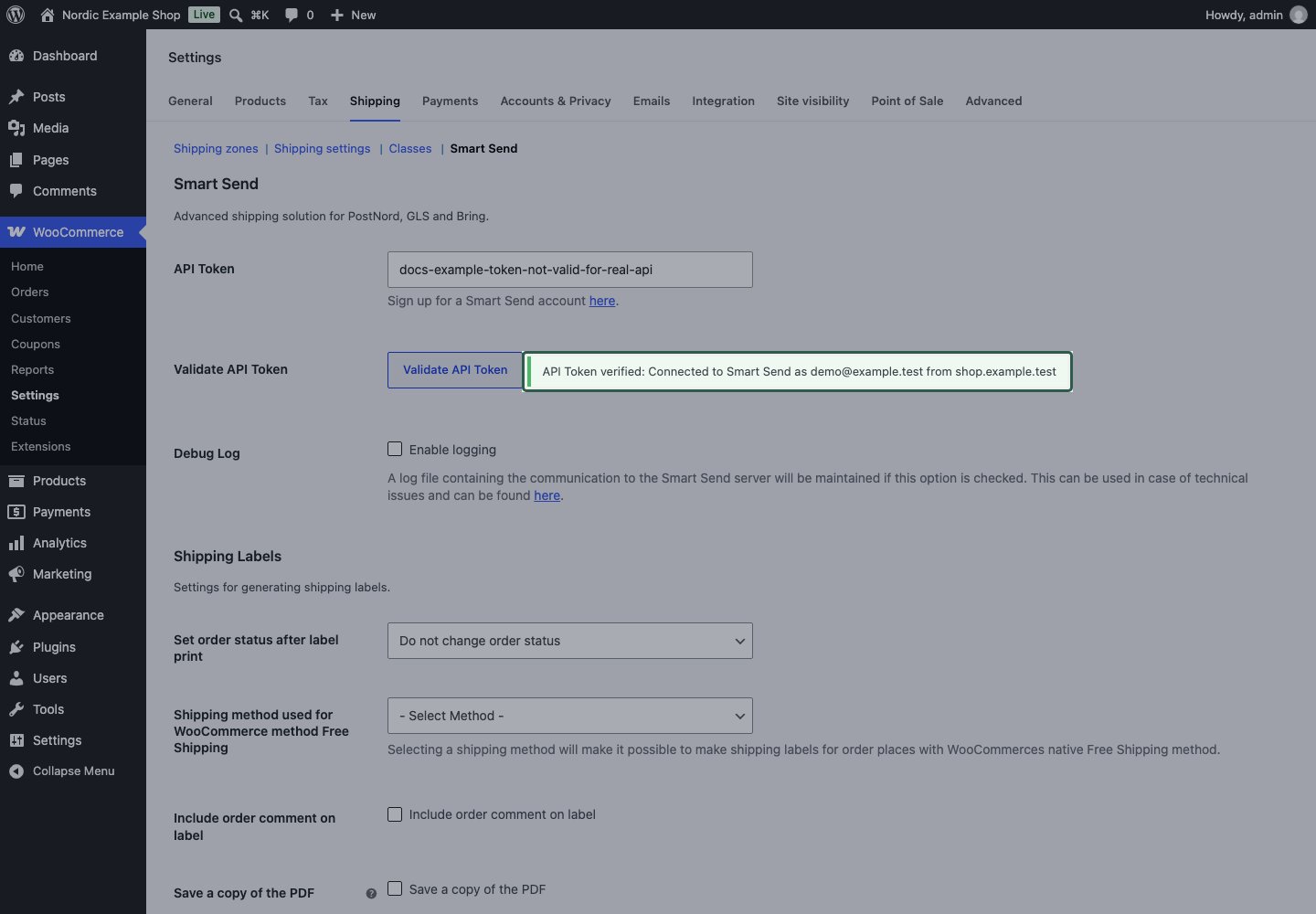
4
Check the result
A successful response starts with API Token verified and identifies the connected account. If validation fails, check the displayed reason, replace an invalid or revoked token, save and validate again. See connection troubleshooting.
Test the three parts separately
Check checkout before your first booking
1
Configure delivery
Create the shipping zones and methods you need.
2
Use a known cart and address
Add a physical product with a known weight. Enter an address in your intended zone and check the delivery title and total against your configuration. Try a second address if you have overlapping zones.
3
Check pickup selection
If the service lets the customer choose a pickup point, select one and confirm that the completed order contains the intended choice. See pickup points for your checkout type.
4
Review the order
Open the order and check the Smart Send service, recipient and pickup details. When you are ready to create the shipment, follow book a shipping label.
Next steps
Configure shipping methods
Set up zones, prices and pickup points with worked examples.
Book and print labels
Book from an order and download your shipping label.